What Are the Numbers on a Toaster Represent
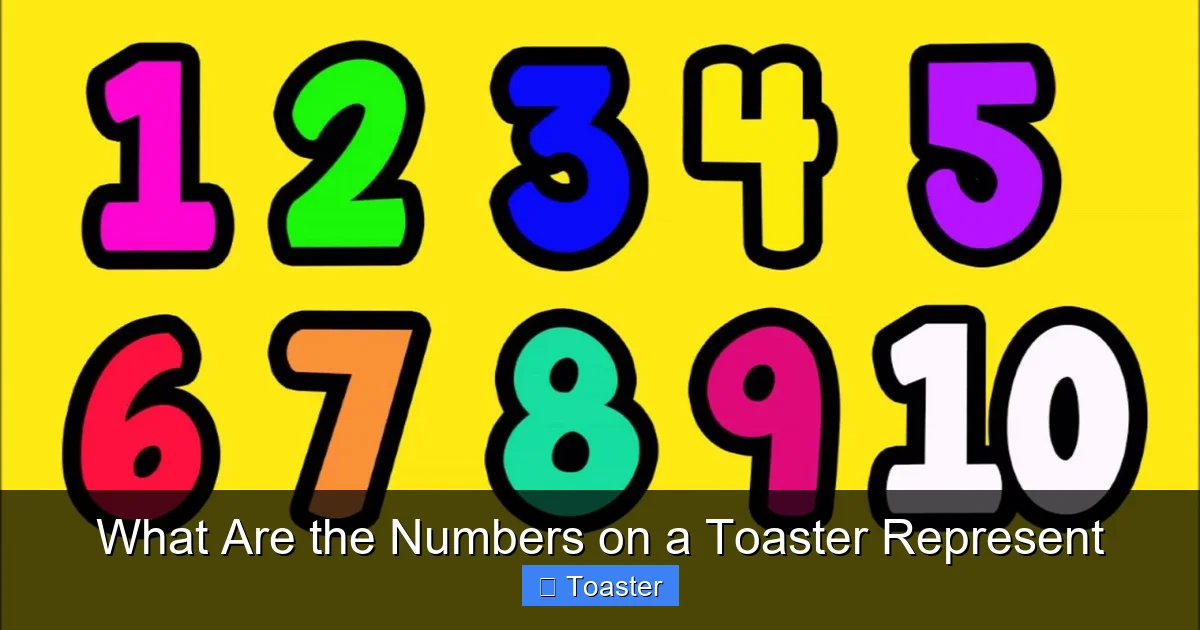
Numbers on a toaster typically represent browning levels (1-5), with 1 being light and 5 being dark. These settings help you toast bread evenly without burning. Understanding these numbers ensures perfect toast every time, whether you’re making breakfast for guests or just enjoying a morning bagel.
This is a comprehensive guide about What Are The Numbers On A Toaster Represent.
Key Takeaways
- Browning Levels: Numbers usually range from 1 (light) to 5 (dark), allowing customization.
- Toast Type Matters: Thicker bread like bagels may need higher settings than thin slices.
- Auto Shut-off: Modern toasters have sensors to prevent overheating if toast doesn’t pop up.
- Safety First: Never insert metal objects into slots; risk of electric shock or damage.
- Maintenance Tip: Clean crumbs regularly to avoid fire hazards or malfunctions.
- Crispness Control: Some toasters let you adjust heat intensity beyond browning levels.
—
### MAIN CONTENT
#### Introduction: Decoding the Mystery Behind Toaster Numbers
Ever pressed your fingers against the buttons of your trusty toaster, only to wonder why there are numbers instead of words? Those aren’t random digits—they’re your secret weapon for perfect toast! Whether you’re toasting a simple slice of white bread or experimenting with whole-grain sourdough, understanding these numbers makes breakfast easier and more enjoyable. Think of them as a cheat sheet for achieving just the right amount of crunch, warmth, and color.
In this guide, we’ll break down everything you need to know about toaster numbers, from basic functions to advanced tips that’ll turn even the most confused user into a toasting pro.
—
#### Section 1: The Basics—What Do the Numbers Actually Mean?
Most toasters feature numbered settings (often 1–5) that control browning depth. Here’s how it works:
Number 1: Light toast—ideal for delicate sandwiches or avocado toast.
Number 3: Medium—the go-to for classic buttery slices.
Number 5: Dark/charcoal—perfect for crispy crusts or coffee lovers who prefer burnt edges.
Why It Matters:
– Thin bread (like baguettes) needs fewer cycles or lower settings to avoid drying out.
– Thick slices (artisan loaves) may require higher settings or extra time to ensure even cooking.
– If your toaster has an “auto” setting, it adjusts based on thickness, so no guesswork needed!
—
#### Section 2: Advanced Settings & Hidden Features
Many modern toasters offer beyond-browning controls:
#####
Adjustable Heat Intensity
Some models let you tweak the heat level independently of browning. For example:
– High heat = faster cooking but risks burns if left too long.
– Low heat = gentler toasting, great for gluten-free bread.
#####
Delay Start Timer
Set your toaster to activate after a delay (e.g., 8 AM). This is genius for early risers or busy mornings.
#####
Reheat Function
If your toaster has a “warm” mode (common in smart toasters), reheat cold toast without re-toasting.
*Tip:* Check your manual for features specific to your model—some even sync with smart home devices!
—
#### Section 3: Special Cases & Common Mistakes
Not all bread is created equal. Here’s how to handle tricky types:
#####
Sourdough & Whole Wheat
Dense bread absorbs moisture, so:
– Pre-slice to avoid uneven heating.
– Use medium-high settings (3–4) and rotate halfway through.
#####
Bagels & Pretzels
These need extra time due to thickness. Try:
– Setting at 4–5 and letting it toast for 2–3 full cycles.
– Avoiding the “quick toast” option—it won’t penetrate deeply.
#####
Common Pitfalls
– Forgetting to reset: If toast sticks, gently lift it off before restarting (never force it down).
– Dusty slots: Wipe out crumbs weekly to prevent electrical issues (link to our article on kitchen essentials!).
—
#### Section 4: Safety Tips You Can’t Ignore
Toasters are small but mighty—and mishaps happen easily! Follow these rules:
1. Never use metal utensils inside slots (risk of sparks or shocks).
2. Keep kids/pets away while toasting to avoid burn injuries.
3. Unplug immediately if smoke or unusual smells occur.
4. Avoid overloading—too many slices can block heating elements.
*Pro Tip:* Store toasters in dry places. Moisture damages wiring (see our guide on keeping appliances safe).
—
#### Section 5: Maintenance for Longevity
A well-maintained toaster lasts years! Routine steps include:
– Clean crumb tray daily (or after heavy use).
– Wipe exterior with a damp cloth (avoid water near vents).
– Check for wear—replace frayed cords or cracked housings promptly.
*Fun Fact:* Some high-end toasters have self-cleaning modes—check if yours does!
—
#### Conclusion: Master Your Toast Like a Pro
Now that you understand the numbers on your toaster, breakfast will never be the same! Experiment with different settings, embrace specialty breads, and prioritize safety. Remember: the best toast is crisp, warm, *and* guilt-free. Happy toasting!
—
### FAQs
Why do some toasters have more than five numbers?
Luxury or professional models often offer finer granularity (e.g., 1–7) for precise control. However, 1–5 covers most household needs.
Can I use a toaster for other foods besides bread?
Avoid non-bread items like cheese (can melt onto heating elements) or frozen foods (may jam). Stick to designed uses!
How do I know if my toaster needs repair?
If toast burns instantly, doesn’t pop up, or emits odd noises, unplug it and consult a technician (link to our repair guides).
Do digital toasters work differently?
No—the principles are the same, but they might have touchscreens or preset profiles (like “bagel” or “English muffin”).
Is it bad to leave a toaster plugged in unused?
Modern toasters have auto shut-off, but unplugging when not in use reduces energy waste and prolongs lifespan.
What’s the safest way to remove stuck toast?
Use tongs or a wooden spatula—never yank by hand, which can cause burns.
Frequently Asked Questions
What is What Are The Numbers On A Toaster Represent?
What Are The Numbers On A Toaster Represent is an important topic with many practical applications.