How to Use an Oven Air Fryer Samsung
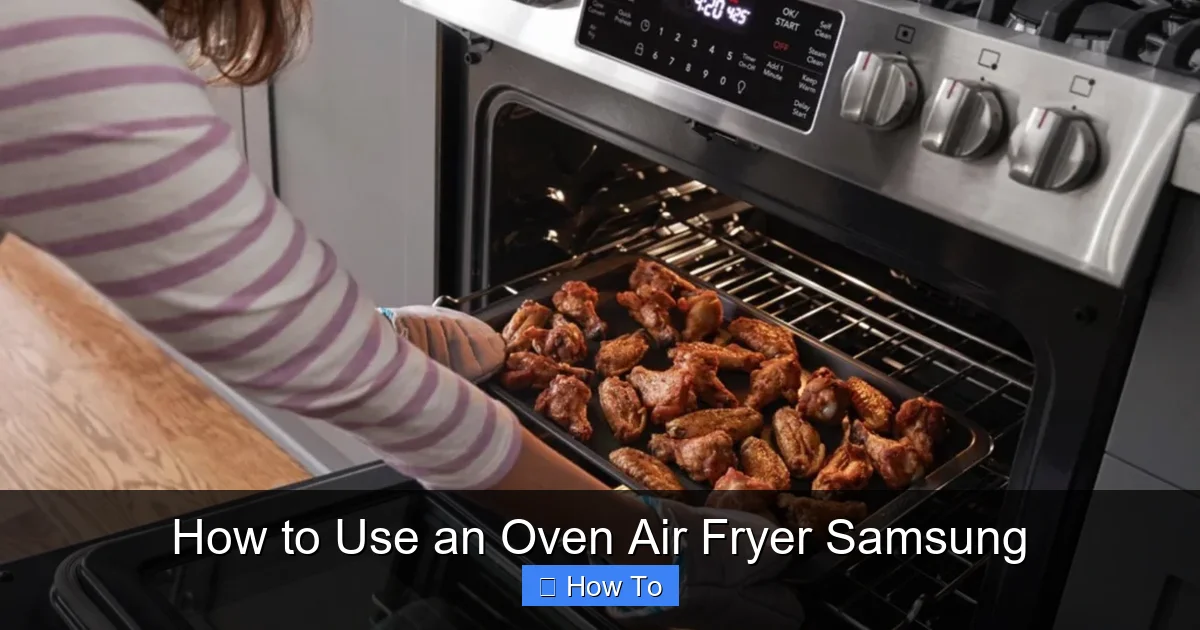
Using an oven air fryer Samsung is simple once you know the basics: preheat the oven, arrange food in a single layer on the air fry rack, and follow the recommended time and temperature. With a little practice, you’ll achieve crispy, golden results while keeping meals healthier and faster than traditional frying.
If you’ve just brought home a Samsung oven with an air fryer function, you’re probably excited to try out crispy fries, juicy chicken wings, or even roasted vegetables without the extra oil. The good news is that using the oven air fryer Samsung is straightforward once you know the basics. How To Use An Oven Air Fryer Samsung is easier than you think, and this guide walks you through every step, from understanding the controls to cleaning up afterward, so you can enjoy healthier meals with confidence. Keep in mind How To Use An Oven Air Fryer Samsung needs proper preheat.
Many home cooks wonder whether the air fry setting works like a standalone air fryer or if it needs special handling. In reality, Samsung’s oven air fryer uses a powerful convection fan and a special rack to circulate hot air around your food, giving that signature crunch. By following a few simple tips—like preheating, arranging food in a single layer, and shaking the basket halfway—you’ll get restaurant‑quality results every time.
Key Takeaways
- Preheat properly: A 5‑minute preheat ensures the convection fan and heating element are at full speed for even crispiness.
- Use the air fry rack: The perforated rack lets hot air circulate underneath food, preventing sogginess and promoting uniform browning.
- Don’t overcrowd: Keep food in a single layer with at least a half‑inch gap between pieces so air can flow freely.
- Light oil only: A teaspoon or two of oil (or a quick spray) is enough to enhance browning without making food greasy.
- Shake or flip halfway: Turning the food midway through cooking guarantees even color and texture on all sides.
- Clean after each use: Wipe the interior, wash the rack, and check the fan guard regularly to maintain performance and prevent odors.
📑 Table of Contents
Getting to Know Your Samsung Oven Air Fryer
How To Use An Oven Air Fryer Samsung starts with familiarizing yourself with the oven’s control panel. Most Samsung models label the air fry function as “Air Fry” or show a small fan icon. You’ll also see temperature and time knobs or touch controls that let you set the exact cooking parameters. Keep in mind How To Use An Oven Air Fryer Samsung needs proper preheat.
Locate the air fry rack or tray that came with your oven. This perforated accessory allows hot air to flow underneath the food, which is essential for even browning. If you don’t have the original rack, a sturdy, oven‑safe cooling rack placed on a baking sheet can work as a substitute, but the dedicated Samsung rack gives the best performance.
Samsung ovens often include a child lock, automatic shut‑off, and a cool‑touch door. Before you start cooking, make sure the child lock is disengaged if you need to adjust settings. The automatic shut‑off will turn the oven off after a set period of inactivity, which is a handy safety net. Remember How To Use An Oven Air Fryer Samsung respects safety features.
The air fry mode relies on a high‑speed fan that pushes heated air through the cavity. This rapid circulation reduces cooking time and creates the Maillard reaction that gives food its browned, crispy exterior. Knowing that the fan is the heart of the process helps you appreciate why proper rack placement matters. Tip: How To Use An Oven Air Fryer Samsung relies on good airflow.
For more background on using air fry functions in ovens, you might find it helpful to read How To Use Air Fryer In Oven Samsung, which covers similar models and offers additional tips. Note that How To Use An Oven Air Fryer Samsung shares similar principles.
Understanding the Display Icons
Samsung ovens use a set of icons to indicate the active mode. The air fry icon looks like a small fan with a basket underneath. When you select this mode, the temperature display may show a preset value (often 400°F) but you can adjust it up or down. A timer icon will appear next to the temperature, counting down as the oven runs. Familiarizing yourself with these symbols helps you change settings quickly without guessing. Always remember How To Use An Oven Air Fryer Samsung when adjusting settings.
Preparing Your Oven for Air Frying
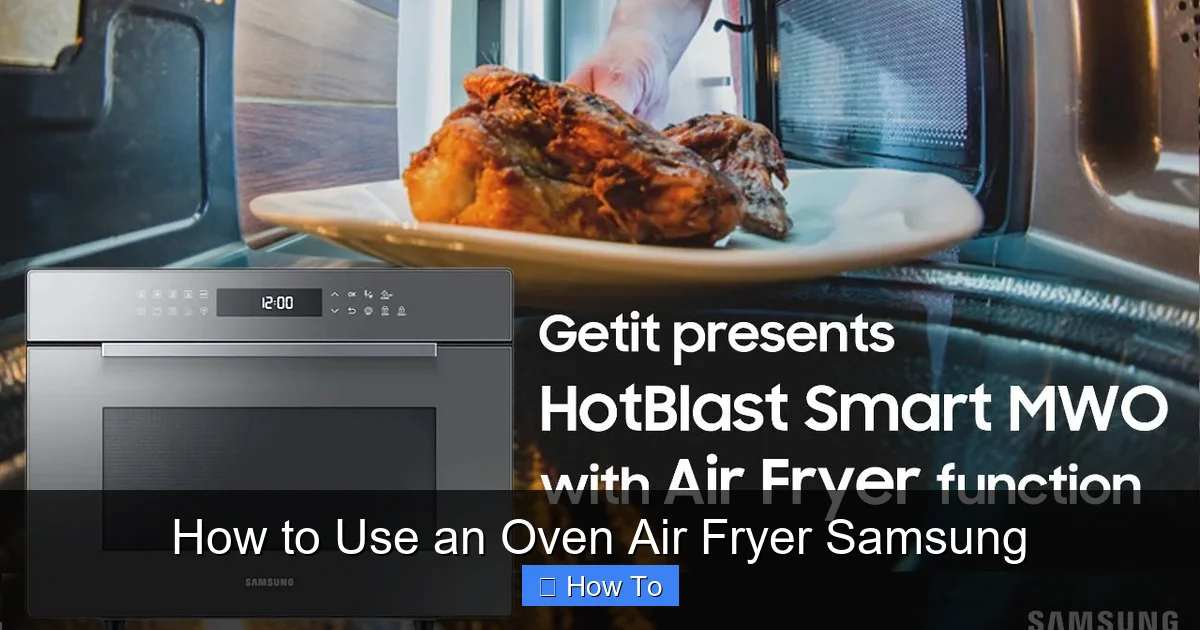
How To Use An Oven Air Fryer Samsung requires a proper preheat. Preheating is a step many people skip, but it makes a noticeable difference. Set the oven to the air fry mode and choose the temperature recommended for your recipe—usually between 350°F and 425°F. Let the oven run for about 5 minutes until it reaches the set temperature. This ensures the heating element and fan are at full speed when the food goes in. Remember How To Use An Oven Air Fryer Samsung starts with preheat.
Visual guide about How to Use an Oven Air Fryer Samsung
Image source: i.ytimg.com
Prepare the Food
Pat dry any moisture from proteins or vegetables; excess water creates steam and prevents crispiness. Lightly coat the items with oil—just a teaspoon or two is enough—to help the surface brown. Season with salt, pepper, herbs, or your favorite spice blend. Keep How To Use An Oven Air Fryer Samsung in mind when seasoning.
Arrange for Optimal Airflow
Place the food in a single layer on the air fry rack. Avoid overlapping or crowding; if you have a lot to cook, do it in batches. Leave at least a half‑inch gap between pieces so the hot air can circulate freely. Remember that How To Use An Oven Air Fryer Samsung depends on airflow.
Using Accessories
Some recipes benefit from a silicone mat or a piece of parchment paper placed under the rack to catch drips. Make sure any accessory you use is rated for the oven’s maximum temperature (usually 500°F). Avoid covering the rack completely, as that would block airflow. Note that How To Use An Oven Air Fryer Samsung works with proper accessories.
Adjusting for Altitude
If you live above 3,000 feet, you may need to increase the temperature by about 10‑15°F or add a few minutes to the cooking time. The lower air pressure affects heat transfer, so a slight tweak ensures your food still gets crispy. Remember How To Use An Oven Air Fryer Samsung may need altitude tweak.
Using a Meat Thermometer for Precision
For meats, relying solely on time can lead to over‑ or undercooking. Insert an instant‑read thermometer into the thickest part of the protein, avoiding bone or fat. When the internal temperature reaches the target (165°F for chicken, 145°F for pork, 130‑135°F for medium‑rare beef), you know it’s done. This ensures juicy results every time, especially when air frying thicker cuts. Always recall How To Use An Oven Air Fryer Samsung when checking meat temperature.
Step‑by‑Step Guide: Using the Air Fry Function
How To Use An Oven Air Fryer Samsung becomes clear when you follow these steps. Keep How To Use An Oven Air Fryer Samsung in mind as you proceed.
Select the Air Fry Mode
Turn the oven knob or tap the touchscreen to choose “Air Fry.” The display will usually show a fan icon and prompt you to set temperature and time. Remember How To Use An Oven Air Fryer Samsung starts with mode select.
Set Temperature and Time
Enter the temperature from your recipe. For frozen fries, 400°F for 15‑20 minutes works well; for fresh chicken wings, try 380°F for 25‑30 minutes, flipping halfway. Use the timer to avoid overcooking. Remember How To Use An Oven Air Fryer Samsung needs right temp and time.
Start the Cooking Cycle
Press start. The oven will begin blowing hot air around the rack. You’ll hear the fan whirring—a sign that the air fryer is active. Remember How To Use An Oven Air Fryer Samsung needs active fan.
Mid‑Cook Shake or Flip
About halfway through the timer, open the oven carefully (use oven mitts) and shake the rack or flip the pieces with tongs. This promotes even browning on all sides. Remember How To Use An Oven Air Fryer Samsung likes a halfway shake.
Check for Doneness
When the timer ends, check the internal temperature of meats with a thermometer (165°F for poultry) or look for a golden‑brown crust on vegetables and fries. If needed, add a few more minutes in two‑minute increments. Note that How To Use An Oven Air Fryer Samsung includes checking doneness.
Remove and Serve
Using oven mitts, pull the rack out and transfer the food to a serving plate. Let it rest for a minute or two before digging in. Keep How To Use An Oven Air Fryer Samsung in mind when serving.
Optional: Using the Rotisserie Attachment
If your Samsung oven includes a rotisserie spit, you can use it for whole chickens or large roasts while still in air fry mode. Secure the food on the spit, set the temperature slightly lower (around 350°F), and let the rotating motion combine with the convection fan for evenly cooked, juicy results. Remember How To Use An Oven Air Fryer Samsung works with rotisserie.
For a deeper dive into Samsung‑specific air fryer ovens, see How To Use A Samsung Air Fryer Oven. Remember How To Use An Oven Air Fryer Samsung is similar to others.
Using the Delay Start Feature
If you want your meal ready exactly when you walk in the door, use the delay start option. Set the desired cooking time, then choose how many hours to delay before the oven begins. The oven will preheat at the scheduled time and start the air fry cycle automatically. Just make sure any perishable ingredients are kept refrigerated until the delay period ends. Always recall How To Use An Oven Air Fryer Samsung when using delay start.
Tips for Perfect Results Every Time
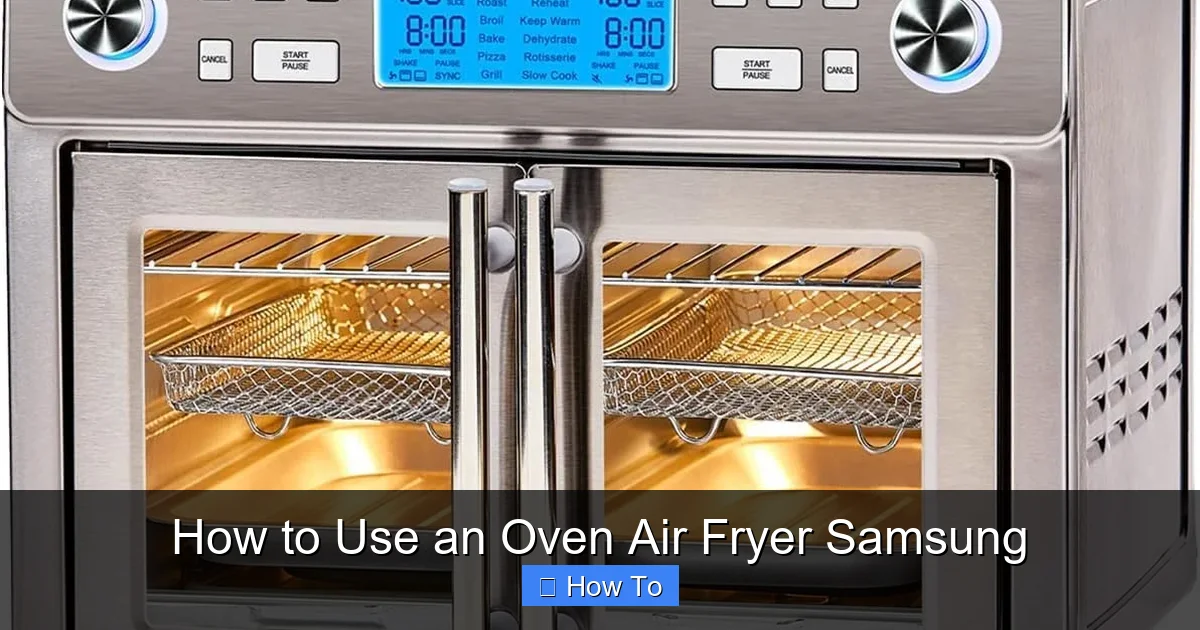
How To Use An Oven Air Fryer Samsung also means knowing a few pro tips.
Visual guide about How to Use an Oven Air Fryer Samsung
Image source: m.media-amazon.com
Use the Right Amount of Oil
A light mist or brush of oil is all you need. Too much oil can make food soggy, while too little may leave it dry. An oil sprayer helps control the amount precisely.
Don’t Overcrowd the Rack
As mentioned, airflow is key. If you pile food on top of each other, the bottom layers will steam instead of fry. Cook in batches if necessary.
Preheat for Frozen Foods
Frozen items benefit from a short preheat (3‑4 minutes) before adding them. This reduces cooking time and improves crispness.
Season After Cooking for Delicate Flavors
If you’re using herbs that can burn (like rosemary or thyme), consider adding them in the last two minutes of cooking or sprinkling them on after the food comes out.
Leverage the Convection Fan
Some Samsung ovens let you adjust the fan speed. If yours has a “high” setting for air fry, use it for maximum crunch.
Adjust for Food Thickness
Thicker cuts of meat or dense vegetables need more time. Cut chicken breasts into uniform pieces, or slice potatoes into even wedges, to ensure consistent cooking.
Use a Wire Rack for Elevated Crispiness
Placing a second wire rack on top of the food (without touching it) can create a convection‑oven effect that crisps the top surface even more.
For guidance on using the air fry setting specifically, check out How To Use Air Fryer Setting On Oven.
Cleaning and Maintenance
How To Use An Oven Air Fryer Samsung includes keeping the appliance clean.
Cool Down First
Always let the oven cool completely before cleaning. This prevents burns and protects the interior coating.
Remove the Rack and Tray
Take out the air fry rack and any drip tray. Wash them with warm, soapy water or place them in the dishwasher if they are labeled dishwasher‑safe.
Wipe the Interior
Use a soft, damp cloth to wipe away any food particles or grease from the oven walls and door. Avoid abrasive scrubbers that could damage the finish.
Deodorize with Vinegar
If you notice lingering odors, place a bowl of equal parts water and white vinegar inside the oven and run a low‑heat cycle (about 200°F) for 10‑15 minutes. The steam will help neutralize smells.
Check the Fan Guard
Periodically inspect the fan guard (the mesh covering the convection fan) for buildup. If you see debris, gently vacuum it away with a brush attachment.
Regular Maintenance Schedule
Give the oven a quick wipe after each use and a deeper clean once a month. Keeping the interior clean helps maintain efficient airflow and prolongs the appliance’s life.
Maintaining the Door Seal
The rubber gasket around the oven door prevents heat loss and keeps the convection fan efficient. Wipe it down weekly with a damp cloth to remove food splatters. If you notice any cracks or brittleness, replace the seal according to the manufacturer’s instructions to maintain optimal performance.
Troubleshooting Common Issues
How To Use An Oven Air Fryer Samsung also means knowing how to fix common problems.
Food Isn’t Crispy
If your fries or wings come out soggy, check that you preheated the oven, used a light oil coating, and didn’t overcrowd the rack. Increase the temperature by 10‑15°F or add a couple of minutes to the cook time.
Uneven Browning
Uneven results often mean the food was stacked or the rack wasn’t level. Make sure the rack sits flat and rotate the pan halfway through cooking.
Excess Smoke or Odor
Smoke can appear if there’s too much oil or food debris on the oven floor. Clean the interior thoroughly and reduce the amount of oil you use.
Error Codes on the Display
Refer to your user manual for specific error codes. Most Samsung ovens will display a code if the door isn’t sealed properly or if the fan is obstructed. Ensure the door closes fully and that nothing blocks the fan vent.
Fan Noise or Vibration
A loud rattling sound may indicate that something is loose inside the fan housing. Turn off the oven, let it cool, and inspect the fan guard for any foreign objects. If the noise persists, consult a service technician.
Display Not Responding
If the touchscreen or dials freeze, try resetting the oven by unplugging it for one minute, then plugging it back in. This often clears temporary glitches.
Dealing with Uneven Cooking Due to Rack Position
If one side of your food is browning faster than the other, the rack may be tilted or not centered. Slide the rack out, adjust the side rails so it sits level, and slide it back in. Ensure the rack is not touching the oven walls, as that can block airflow. A level rack guarantees even hot‑air distribution.
Now that you’ve walked through the entire process—from getting acquainted with your Samsung oven’s air fryer function to mastering the cooking steps, applying pro tips, keeping the appliance clean, and troubleshooting hiccups—you’re ready to enjoy delicious, healthier meals with ease. Remember that practice makes perfect; each batch will teach you a little more about how your specific model behaves. Keep experimenting with different foods, seasonings, and cooking times, and soon you’ll be air frying like a pro. Happy cooking.
Frequently Asked Questions
What temperature should I use for air frying in a Samsung oven?
Most recipes work well between 350°F and 425°F; start with 400°F for frozen items and adjust based on food thickness and desired crispiness.
Do I need to preheat the oven before using the air fry function?
Yes, preheating for about 5 minutes ensures the convection fan and heating element are at full speed, which helps achieve even browning and crispiness.
Can I use parchment paper or silicone mats in the Samsung air fryer oven?
Yes, as long as the accessory is rated for the oven’s maximum temperature (usually 500°F) and does not block airflow; place it under the rack to catch drips.
How much oil should I use when air frying?
A light mist or brush of oil—about a teaspoon or two—is enough to promote browning without making food soggy.
Why is my food not getting crispy in the air fryer?
Common causes include insufficient preheat, overcrowding the rack, or using too much moisture; ensure the food is dry, spaced out, and the oven is properly preheated.
How do I clean the air fry rack and interior of my Samsung oven?
Let the oven cool, remove the rack and wash it with warm soapy water (or dishwasher‑safe), then wipe the interior with a soft damp cloth; avoid abrasive cleaners that could damage the finish.