How to Turn Off Toaster Oven Timer
Turning off a toaster oven timer is usually as simple as pressing a button or turning a knob, but the exact method varies by model. If the timer sticks or won’t reset, unplugging the appliance, checking for child‑lock features, or consulting the manual can solve most issues. Follow the steps below to stop the timer safely and keep your toaster oven ready for the next use.
If you’ve ever pulled a tray of toast from your toaster oven only to hear the timer still ticking away, you know how annoying it can be. The timer is a handy feature that helps you avoid overcooking, but sometimes you need to stop it early—whether your food is done ahead of schedule, you changed your mind, or the timer seems stuck. Knowing how to turn off toaster oven timer functions quickly and safely can save you from burnt snacks, wasted energy, and unnecessary frustration.
This guide walks you through the most common timer designs, offers step‑by‑step instructions for shutting them down, and shares troubleshooting tips for when the timer refuses to cooperate. We’ll also cover safety precautions, maintenance habits, and signs that it’s time to call a technician. By the end, you’ll feel confident handling any toaster oven timer situation that comes your way.
Key Takeaways
- Identify your timer type: Most toaster ovens use either a mechanical knob timer or a digital touchpad timer, and the shutdown process differs for each.
- Use the cancel or off button: On digital models, pressing “Cancel,” “Stop,” or holding the power button for a few seconds will turn off the timer.
- Unplug as a last resort: If the timer is stuck, safely unplug the oven, wait 30 seconds, then plug it back in to reset the electronics.
- Check for child‑lock or safety features: Some models lock the timer until you disable a lock function—refer to the manual for the exact sequence.
- Keep the timer clean: Food debris or grease can cause a knob to stick; regular cleaning prevents many timer issues.
- Know when to call for help: Persistent error codes, flashing displays, or a timer that won’t reset after unplugging may need professional service.
📑 Table of Contents
Understanding Your Toaster Oven Timer
Before you can turn off the timer, it helps to know what kind of timer your appliance uses. Most toaster ovens fall into one of two categories: mechanical knob timers or electronic touchpad timers. A few newer models also include smart features that can be controlled via an app or voice assistant.
Mechanical Knob Timers
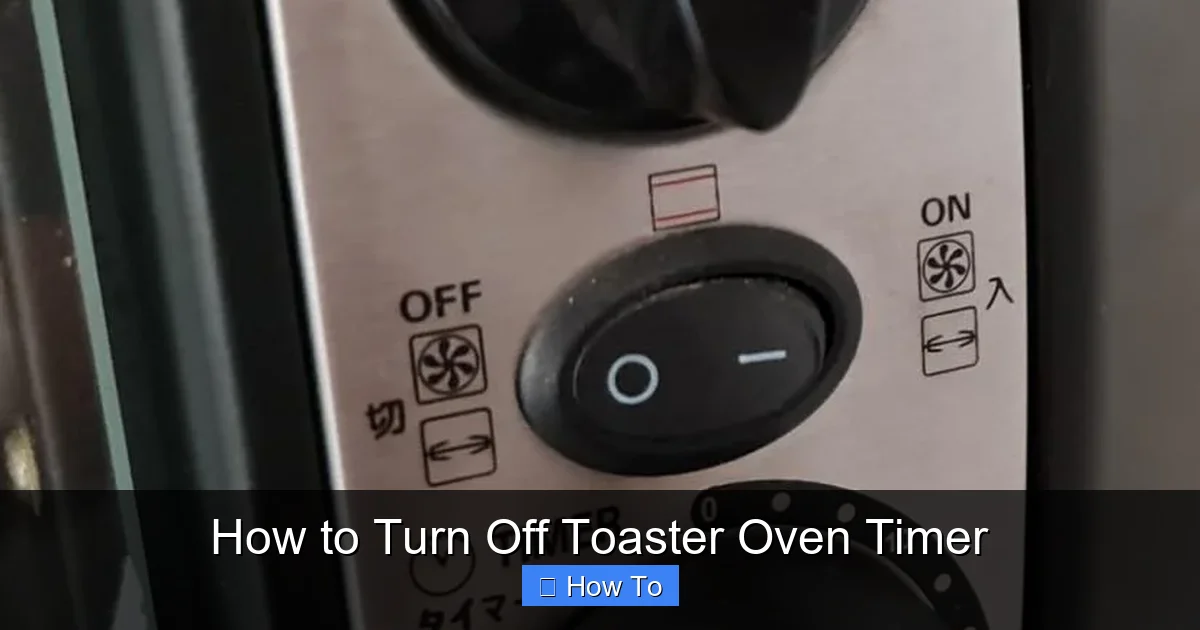
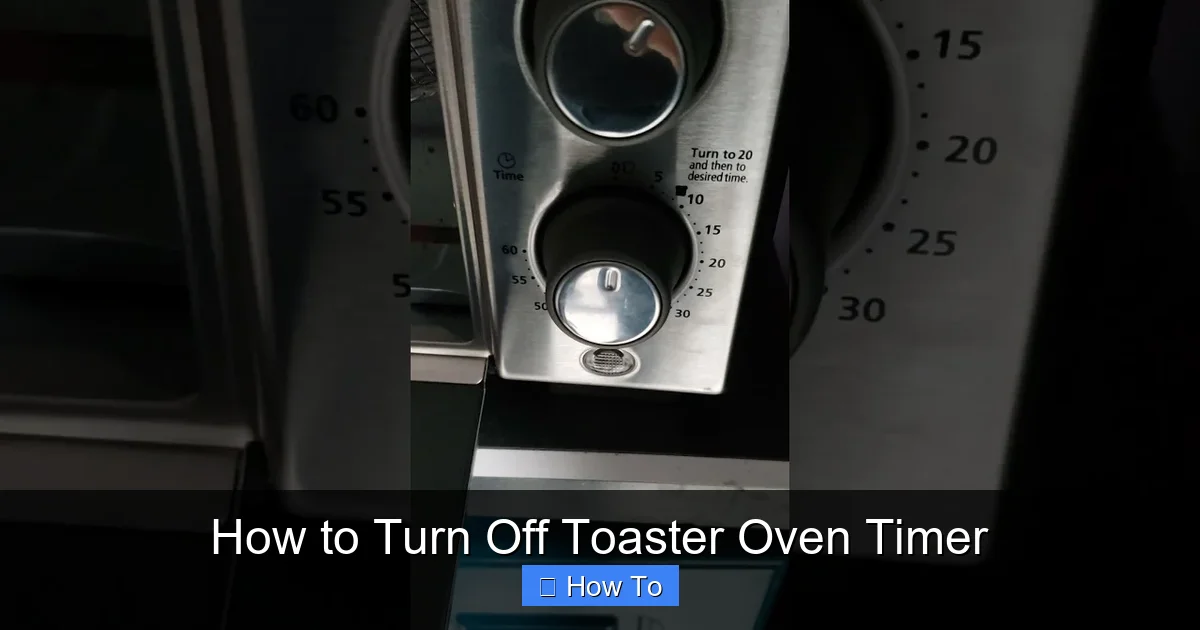
These timers look like a small dial you turn clockwise to set the cooking time. As the dial counts down, a spring‑loaded mechanism moves it backward until it reaches zero, at which point a click signals the oven to shut off. To stop the timer early, you simply turn the knob back to the “off” or “0” position. Because the mechanism is purely physical, there’s no electronics involved—making it reliable but prone to sticking if grease builds up around the shaft.
Digital Touchpad Timers
Digital timers replace the knob with a set of buttons or a touchscreen. You enter the desired minutes and seconds, then press “Start.” The display counts down, and when it hits zero, the oven powers off. To cancel the timer mid‑cycle, you usually press a “Cancel,” “Stop,” or “Clear” button. Some models require you to hold the power button for three to five seconds. Because the timer is software‑driven, a temporary glitch can sometimes keep the display running even after you’ve pressed cancel.
Smart/Model‑Specific Timers
High‑end toaster ovens from brands like Breville, Cuisinart, or Ninja may offer Wi‑Fi connectivity, preset programs, or a child‑lock feature. In these cases, turning off the timer might involve tapping an icon on the app, disabling a lock, or following a specific button combination outlined in the user manual. If you own one of these models, keep the manual handy—or download the PDF from the manufacturer’s website—for model‑specific guidance.
Step‑by‑Step Guide to Turning Off the Timer
Now that you know the timer type, follow the appropriate steps below. Each method is designed to be safe, quick, and effective for the majority of toaster ovens on the market.
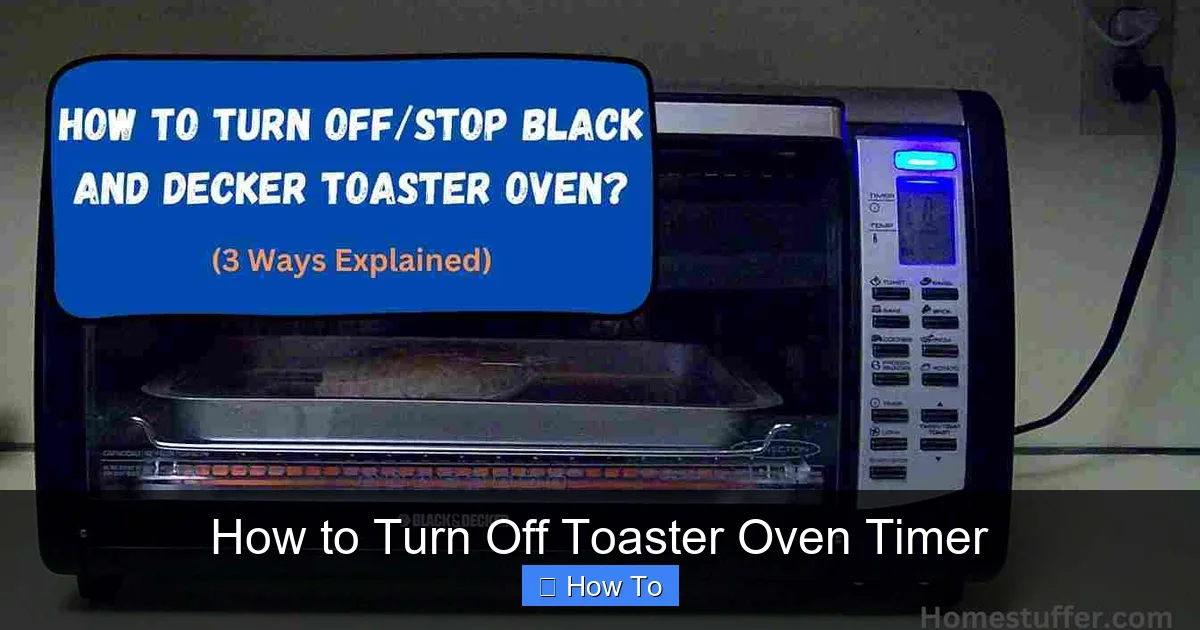
Visual guide about How to Turn Off Toaster Oven Timer
Image source: homestuffer.com
Turning Off a Mechanical Knob Timer
- Make sure the oven door is closed (most units won’t allow the knob to move if the door is open for safety reasons).
- Grasp the timer knob firmly.
- Turn the knob counter‑clockwise until it aligns with the “off” mark or the zero position.
- You should hear a soft click; the heating elements will stop immediately.
- If the knob feels stuck, apply a tiny amount of food‑safe lubricant (like silicone spray) to the shaft and try again.
Turning Off a Digital Touchpad Timer
- Locate the “Cancel,” “Stop,” or “Clear” button on the control panel.
- Press it once. The display should revert to the standby screen or show “0:00.”
- If the timer continues counting, press and hold the power button for 3‑5 seconds until the oven powers down.
- For models with a lock icon, press the lock button (often a pad‑symbol) for two seconds to disable the lock before attempting to cancel.
- After canceling, open the door and check that the heating elements are off.
Turning Off a Smart or Model‑Specific Timer
- Open the companion app (if applicable) and select the active cooking session.
- Tap the “Stop” or “End Session” button.
- If the app shows no response, use the physical controls: hold the “Start/Pause” button for five seconds, then press “Cancel.”
- Consult the manual for any hidden combinations—for example, pressing “Temp” + “Time” simultaneously for three seconds may reset the timer.
- As a fallback, unplug the oven for 30 seconds, then plug it back in to clear any software glitch.
Common Issues When the Timer Won’t Turn Off
Even with the right steps, you might encounter a timer that seems stuck or unresponsive. Below are the most frequent culprits and how to address them.
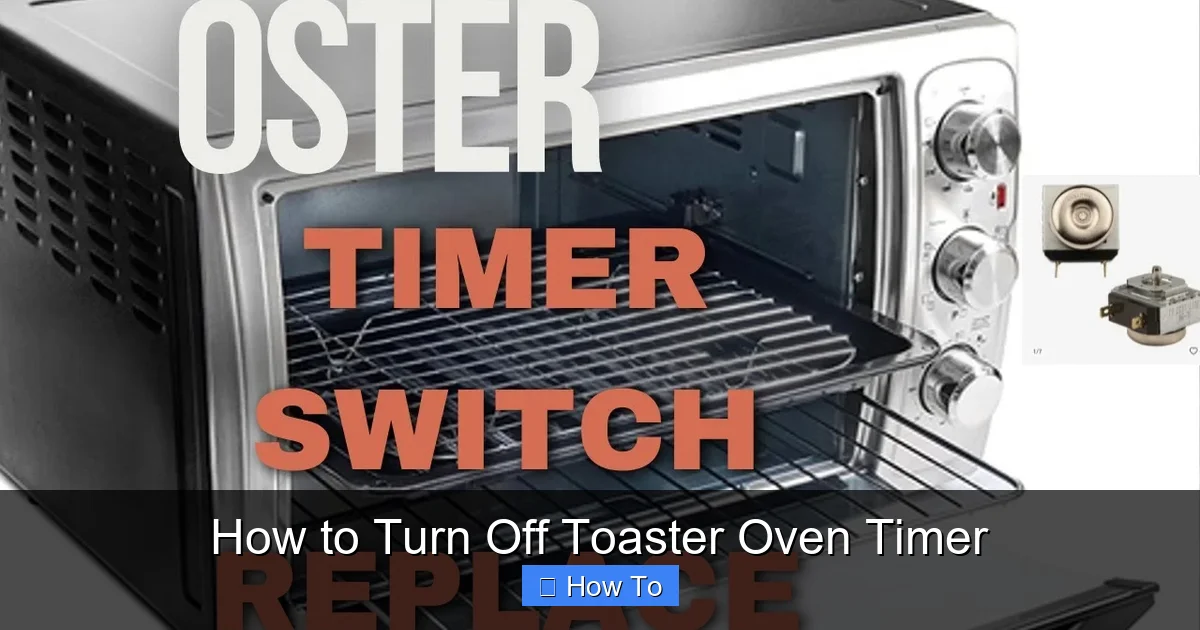
Visual guide about How to Turn Off Toaster Oven Timer
Image source: i.ytimg.com
Stuck or Greasy Knob
Mechanical knobs can accumulate oil, crumbs, or spilled sauce over time. This buildup creates friction that prevents the dial from moving freely. To fix it:
- Unplug the oven.
- Remove the knob (many models pull straight off; check for a set screw).
- Clean the shaft and the knob’s interior with warm soapy water, then dry thoroughly.
- Apply a drop of food‑grade silicone lubricant to the shaft before re‑attaching the knob.
- Test the timer by turning it to a short setting and back to off.
Electrical Glitch or Software Freeze
Digital timers rely on a microcontroller that can occasionally lock up, especially after a power surge or prolonged use. The simplest remedy is a power cycle:
- Unplug the toaster oven from the wall outlet.
- Wait at least 30 seconds to allow residual charge to dissipate.
- Plug it back in and see if the display resets to standby.
- If the timer still shows a countdown, repeat the process or try holding the power button longer.
Child‑Lock or Safety Lock Engaged
Many modern toaster ovens include a lock to prevent accidental changes, especially in households with kids. When the lock is on, the timer buttons may be disabled. To disengage:
- Look for a pad‑lock icon on the display or a dedicated lock button.
- Press and hold the lock button for 2‑5 seconds until the icon disappears.
- Once unlocked, attempt to cancel the timer again.
- If you can’t locate the lock function, consult the manual’s “Control Lock” section.
Safety Tips and Best Practices
Turning off the timer is usually harmless, but a few safety habits keep you and your appliance in good shape.
Visual guide about How to Turn Off Toaster Oven Timer
Image source: i.ytimg.com
Always Unplug Before Inspecting
If you need to examine the timer mechanism—whether to clean a sticky knob or check for loose wiring—unplug the oven first. Even when the oven appears off, internal capacitors can hold a charge.
Use Oven Mitts When the Door Is Hot
If you’re stopping the timer because food is ready, the interior and door will be hot. Wear mitts or use a silicone grip to avoid burns.
Keep the Area Around the Oven Clear
Make sure nothing blocks the vent or the timer knob. A crowded countertop can cause accidental bumps that move the knob or press buttons unintentionally.
Teach Kids About the Timer
Explain that the timer is not a toy. If your model has a child‑lock, activate it when the oven is not in use to prevent accidental starts.
Maintenance to Keep the Timer Working Smoothly
A little preventive care goes a long way toward avoiding timer troubles.
Regular Cleaning
Wipe down the control panel after each use with a damp cloth. For knobs, remove them weekly and wash with mild soap. Avoid abrasive pads that could scratch the surface or damage the markings.
Check the Knob Shaft for Wear
Over years of use, the plastic or metal shaft can wear down, causing wobble. If you notice excessive play, contact the manufacturer for a replacement knob kit.
Inspect the Power Cord
A frayed cord can cause intermittent power loss, which may confuse the timer’s internal clock. Replace the cord if you see any exposed wires.
Update Firmware (If Applicable)
Some smart toaster ovens receive occasional firmware updates that improve timer reliability. Check the manufacturer’s website or the companion app for update instructions.
When to Seek Professional Help
Most timer issues can be resolved with the steps above, but certain symptoms indicate a deeper problem.
Persistent Error Codes
If the display shows an error code (like “E1,” “E2,” or “ERR”) that doesn’t clear after a power cycle, note the code and consult the manual’s troubleshooting section. If the manual offers no fix, contact customer support.
Timer Runs Continuously Even When Unplugged
This scenario suggests a short circuit or a stuck relay inside the oven. Do not attempt to open the unit yourself; unplug it and arrange for repair.
Inaccurate Timekeeping
If the timer consistently runs fast or slow (e.g., a 5‑minute setting ends in 3 minutes), the internal oscillator may be failing. While you can still use the oven manually, timing‑dependent recipes will suffer. A technician can replace the timing module.
Warranty Considerations
If your toaster oven is still under warranty, avoid DIY repairs that could void it. Instead, reach out to the brand’s service center with your proof of purchase and a description of the timer problem.
By following the guidance in this article, you’ll be able to turn off the timer on virtually any toaster oven model, troubleshoot common hiccups, and keep your appliance running smoothly for years to come.
Frequently Asked Questions
How do I turn off the timer on a toaster oven that has only a knob?
Simply turn the knob counter‑clockwise until it reaches the “off” or “0” mark. You should hear a click, and the heating elements will stop immediately. If the knob feels stuck, unplug the oven, clean the shaft, and try again.
What should I do if the digital timer won’t respond to the cancel button?
First, press and hold the power button for 3‑5 seconds to force a shutdown. If that fails, unplug the oven for at least 30 seconds, then plug it back in to reset the electronics. After the reset, try the cancel button again.
Can I leave the toaster oven plugged in if I’m not using the timer?
Yes, it’s safe to leave the appliance plugged in when not in use, as modern toaster ovens draw only a tiny standby current. However, if you notice any unusual smells, sparks, or the timer acting erratically, unplug it and inspect the unit.
Is there a way to disable the timer completely so it never starts?
Most toaster ovens don’t allow you to remove the timer function entirely; it’s built into the control circuitry. If you never want to use the timer, simply set it to zero or “off” each time you start cooking, or use the manual mode if your model offers one.
How often should I clean the timer knob to prevent it from sticking?
A quick wipe after each use and a deeper cleaning once a week (removing the knob and washing with soap) will keep grease and crumbs from building up. If you cook particularly greasy foods, consider cleaning the knob after every few uses.
My toaster oven shows an error code after I try to turn off the timer—what does it mean?
Error codes vary by manufacturer, but they generally indicate a fault in the timer circuit, a stuck button, or a power issue. Look up the specific code in your user manual; if the manual doesn’t resolve it, contact customer support or a qualified repair technician.