How to Change Clock on Cuisinart Toaster Oven
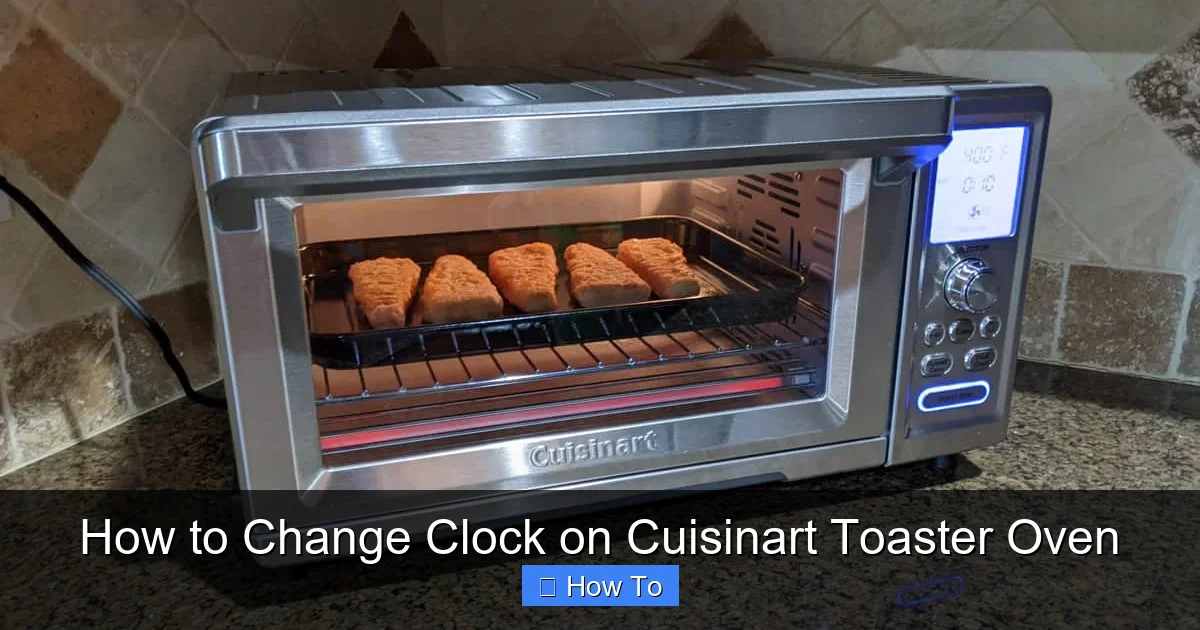
Changing the clock on your Cuisinart toaster oven is a simple process that anyone can do. Whether you recently experienced a power outage or just bought a new model, resetting the time takes only a few minutes. Follow our instructions to ensure your appliance keeps perfect time every day. You will be back to baking and toasting in no time!
Key Takeaways
- Locate the Clock Button: Find the dedicated clock or time button on your Cuisinart control panel to start the reset process.
- Enter Setup Mode: Press and hold the clock button until the display flashes, indicating you can enter new settings.
- Adjust Hours and Minutes: Use the number pad or arrow keys to set the correct current time.
- Save Your Settings: Press the start or confirm button to lock in the new time and stop the flashing display.
- Troubleshoot Power Issues: If the clock resets after a blackout, knowing how to change clock on Cuisinart toaster oven saves you frustration.
- Maintain Your Appliance: Regular care ensures your Cuisinart toaster oven clock stays accurate and functional for years.
📑 Table of Contents
Why Does the Clock on Your Cuisinart Toaster Oven Need Changing?
There are many reasons why you might need to change the clock on Cuisinart toaster oven. The most common reason is a power outage. When the electricity goes out, the clock often resets to zero. This can be very annoying. You might want to use the timer function, but it will not work correctly. The clock is the brain of your appliance. It controls all the cooking times. If the clock is wrong, your food might be undercooked or overcooked. That is why you must learn how to change clock on Cuisinart toaster oven. It is a very important skill for any home cook. You do not need to call a repair person. You can fix it yourself in just a few minutes. It is much easier than you think. Just take a deep breath and follow the steps below. You will be amazed at how simple it is. The Cuisinart toaster oven clock is designed to be user-friendly. Anyone can master it with a little practice. So, let us get started right away.
What You Need Before You Start
Before you change the clock on Cuisinart toaster oven, you need a few things. First, you need the user manual. If you do not have it, you can usually find it online. The manual has specific instructions for your model. Second, you need a flat surface to put the oven on. Make sure the oven is plugged in. The display must be on to change the time. Third, you need a little patience. Some models take a few seconds to respond. Do not press the buttons too fast. Give the oven time to process your inputs. If you want to keep your appliance in top shape, you should also learn how to clean your Cuisinart toaster oven. A clean oven works better. It also helps the display stay clear. Another great tip is to always preheat the oven properly, so check out how to preheat your Cuisinart toaster oven. This ensures even cooking. Many people also ask, is your Cuisinart toaster oven non-toxic. The answer is usually yes, if you use it correctly. So, gather your supplies and get ready.
Visual guide about How to Change Clock on Cuisinart Toaster Oven
Image source: static-data2.manualslib.com
Step-by-Step Guide to Changing the Clock
Step One: Find the Clock Button
The first step to change the clock on Cuisinart toaster oven is to find the clock button. Look at the control panel on the front of the oven. You will see many buttons. One of them should say “Clock” or have a clock icon. It is usually near the top of the panel. Press this button firmly. You might need to hold it down for a few seconds. The display will start to flash. This means the oven is ready for you to enter a new time. If nothing happens, try pressing the button again. Sometimes the button is stuck. Gently wiggle it. If the display flashes, you are doing great. This is the setup mode. Now you can move on to the next step. The Cuisinart toaster oven clock is waiting for your input.
Step Two: Adjust the Hours
Once the display is flashing, you need to set the hours. Look at the number pad on the control panel. There should be buttons for numbers zero through nine. Press the button for the current hour. For example, if it is three o’clock, press the three button. The display should update to show the hour. If you make a mistake, do not worry. You can usually press the clear button. This will erase the last number you typed. Then, you can try again. Setting the hours is the first part of changing the clock on Cuisinart toaster oven. Take your time and make sure you get the right number. Remember, if it is afternoon, you might need to use a twelve-hour format. Check your manual if you are unsure. The Cuisinart toaster oven clock is very precise once you get it right. You are doing wonderfully!
Step Three: Adjust the Minutes
After you set the hours, it is time to set the minutes. This is the next part of how to change clock on Cuisinart toaster oven. Use the number pad again to type in the current minutes. For example, if it is twenty-five minutes past the hour, press the two button and then the five button. The display will show the new time. Make sure you press the buttons in the right order. The first number is the tens digit, and the second is the ones digit. If you make a mistake, just press clear and start over. It is very common to make typos when typing quickly. So, be careful. The Cuisinart toaster oven clock needs to be exact. Even a five-minute difference can change your cooking time. So, double-check your numbers before moving on. You are almost there!
Step Four: Save the New Time
Now that you have entered the hours and minutes, you must save the time. This is the final step to change the clock on Cuisinart toaster oven. Look for a button that says “Start,” “Stop,” or “Confirm.” Some models have a separate button just for saving. Press this button firmly. The flashing display should stop flashing. It will now show the steady time you just entered. The clock is now set correctly. You can test it by setting a timer. If the timer counts down correctly, you did it perfectly! Changing the Cuisinart toaster oven clock is now complete. You can enjoy your cooking without worrying about the time. It is a great feeling to fix something yourself. You are a kitchen star!
Troubleshooting Common Clock Issues
The Display Will Not Flash
Sometimes, you might press the clock button, but the display will not flash. This is a common problem. It usually means the oven is not in setup mode. First, make sure the oven is plugged in. If it is unplugged, plug it in and try again. If it is plugged in, the button might be faulty. Try pressing it harder or holding it longer. Some models require you to hold the button for five seconds. If it still does not work, you might need to reset the oven. Unplug it from the wall for one minute. Then, plug it back in. This can fix many electronic glitches. If the Cuisinart toaster oven clock still does not work, you may need professional help. But usually, this simple reset does the trick. Do not give up too quickly. The oven is usually very resilient. Just try again.
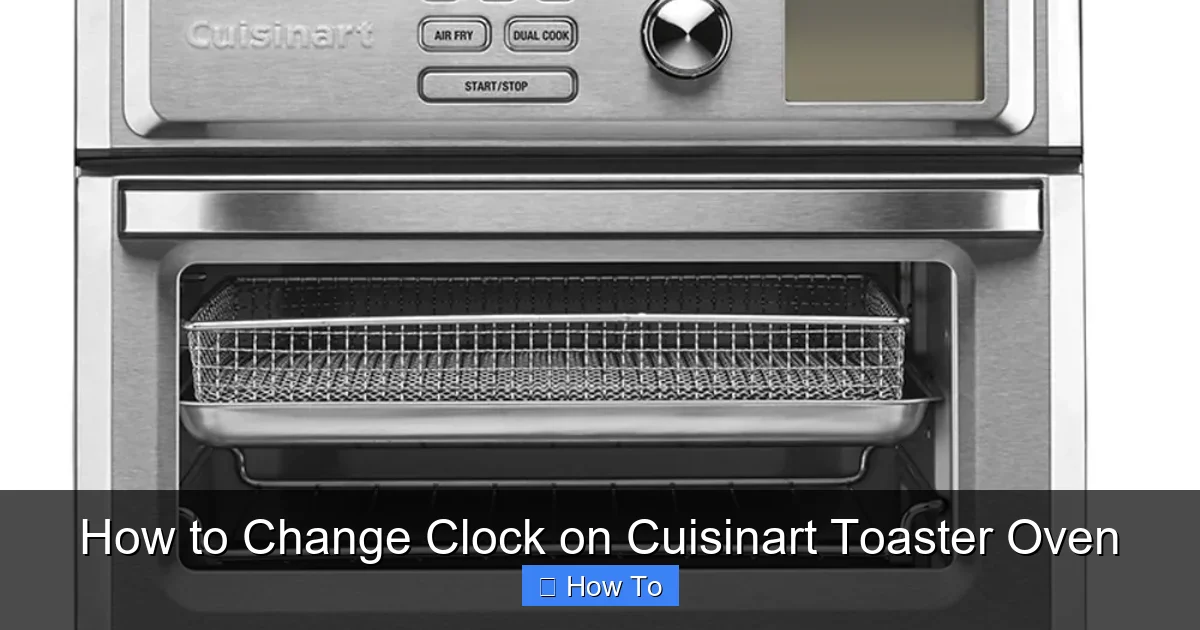
Visual guide about How to Change Clock on Cuisinart Toaster Oven
Image source: tienda.cuisinart.com.mx
The Time Keeps Resetting
Another issue is when the time keeps resetting on its own. This can be very frustrating. The most common cause is a power surge. A power surge can wipe the memory of the oven. If this happens, you will need to change the clock on Cuisinart toaster oven again. To prevent this, you can use a surge protector. A surge protector plugs into the wall. You plug the oven into the surge protector. It blocks extra electricity from getting to the oven. This keeps the memory safe. If the time keeps resetting even with a surge protector, the internal battery might be dead. Some ovens have a small backup battery. If it dies, the clock will not remember the time. You will need to replace the battery. Check your manual to see if your model has one. This is a rare issue, but it can happen. Do not worry. You can fix it easily.
Tips for Maintaining Your Cuisinart Toaster Oven
Keeping your Cuisinart toaster oven in good shape is important. A well-maintained oven cooks food better. It also lasts longer. First, you should clean the oven regularly. Food crumbs can build up inside. They can cause smoke or bad smells. You can learn how to clean your Cuisinart toaster oven by reading our guides. Use a soft cloth and warm soapy water. Do not use harsh chemicals. They can damage the surface. Second, check the heating elements. They should be bright orange when the oven is on. If they are dark or broken, you need to replace them. Third, keep the vents clear. Vents let the hot air out. If they are blocked, the oven might overheat. This is a safety feature. Always make sure the vents are open. Finally, handle the door gently. The door seal keeps the heat inside. If the seal is broken, the oven will not cook well. Taking care of your appliance is a smart move. It saves you money in the long run. It also makes cooking more fun. Your Cuisinart toaster oven clock will also last longer.
Why Accurate Time Matters for Cooking
You might wonder why the exact time is so important. The truth is that cooking is a science. Every recipe is designed with a specific time in mind. If your clock is wrong, your food will be wrong. For example, if you are baking cookies, they might burn if the timer is off by five minutes. Or, a roast might be raw if the time is too short. The Cuisinart toaster oven clock helps you be precise. It takes the guesswork out of cooking. You can set the timer and walk away. You do not have to stand there watching the clock on the wall. This is very convenient. It is one of the best features of a modern toaster oven. So, when you change the clock on Cuisinart toaster oven, you are actually improving your cooking skills. You are making your kitchen a better place. Your food will taste better. Your kitchen will run smoother. It is a small task that has a big impact.
When to Call a Professional
Most of the time, you can fix the clock yourself. But there are times when you should call a professional. If you have tried all the steps and the clock still does not work, it is time to get help. The internal circuit board might be damaged. This is not something you can fix with a button press. You need a trained technician. They have the tools to fix the electronics safely. Do not try to open the oven yourself. There are high voltages inside that can hurt you. It is much safer to call a pro. They can also tell you if your oven is past its prime. If you have an older model, it might be time to buy a new one. Newer models have better clocks. They also have more features. But for most people, a simple reset is all it takes. The Cuisinart toaster oven clock is very reliable. You just need to know how to use it. Trust the process!
Conclusion
Changing the clock on your Cuisinart toaster oven does not have to be hard. It is a simple process that anyone can learn. You just need to find the button, enter the time, and save it. If you run into problems, there are easy fixes. A power reset can clear up many issues. Keeping your oven clean and well-maintained also helps the clock work better. Now you know how to change clock on Cuisinart toaster oven. You are more confident in your kitchen skills. You can cook with peace of mind. Your food will be perfectly timed. Enjoy your delicious meals and happy cooking! The Cuisinart toaster oven clock is your best friend in the kitchen. Take care of it, and it will take care of your food.
Frequently Asked Questions
Why did my Cuisinart toaster oven clock reset?
The most common reason for a clock reset is a power outage or a power surge. When electricity is interrupted, the oven loses its memory settings. This causes the clock to go back to zero. To fix this, simply follow the reset steps again. Using a surge protector can prevent this from happening in the future.
What button do I press to change the time?
You need to press the dedicated “Clock” button on your control panel. It usually has a clock icon on it. Press and hold this button until the display starts to flash. Once it flashes, you can use the number pad to enter the new time. Always refer to your manual if you cannot find the button.
Can I change the clock without the manual?
Yes, you can usually change the clock without the manual. The process is very similar across most Cuisinart models. You find the clock button, hold it until the display flashes, and enter the time. However, the manual is always helpful if your model has unique features. You can often find digital copies of the manual on the Cuisinart website.
Why is my Cuisinart clock not working?
If your clock is not working, the display might be blank. First, check if the oven is plugged in. If it is, try resetting the oven by unplugging it for one minute. If the display still does not work, the control board might be faulty. In this case, you should contact Cuisinart customer service for assistance.
Does a power outage reset the clock?
Yes, a power outage will almost always reset the clock. Toaster ovens do not have internal batteries to keep the time during a blackout. Once the power comes back on, you will need to set the time again. This is completely normal and happens to almost every appliance owner.
How do I set the clock on a Cuisinart air fryer toaster oven?
Setting the clock on an air fryer toaster oven is very similar to a regular toaster oven. Find the clock button and hold it until the display flashes. Enter the current hours and minutes using the number pad. Press the confirm button to save. The air fryer feature will still work perfectly with the correct time setting.