How to Turn Off Gourmia Air Fryer Oven
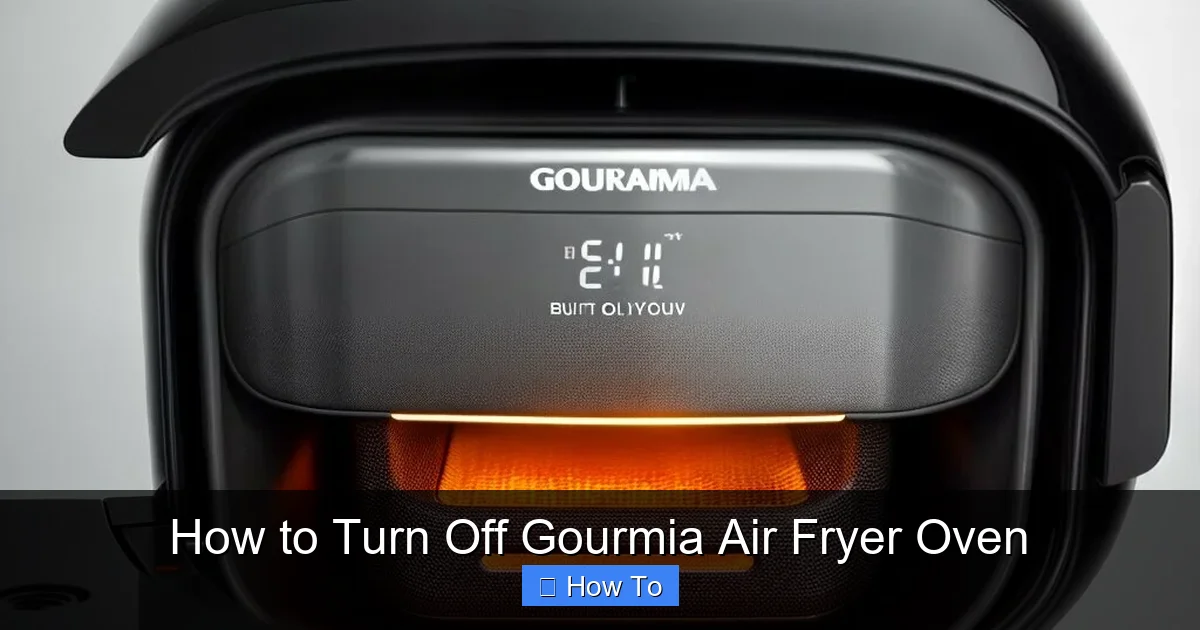
Turning off your Gourmia air fryer oven is straightforward once you know the steps. Simply press the power button or cancel function to end your cooking session, then unplug the unit for complete safety. This guide walks you through every method to power down your appliance, plus troubleshooting tips if something goes wrong.
Your Gourmia air fryer oven is a fantastic kitchen companion. It makes crispy foods without all the oil. But like any appliance, you need to know how to turn it off properly. This guide will help you power down your Gourmia air fryer oven safely and easily.
Many new owners feel unsure about this simple task. That’s okay. Every appliance has its quirks. The good news is that turning off a Gourmia air fryer oven takes just seconds once you know what to do.
Key Takeaways
- Power Button Method: Press the clearly labeled power button to turn off Gourmia air fryer ovens in just one step
- Cancel/Off Function: Use the cancel button or off button to immediately stop all cooking functions
- Unplug After Use: Always unplug your air fryer oven after turning it off for complete electrical safety
- Wait for Cooling: Allow the unit to cool down before cleaning or storing to prevent burns
- Control Panel Lock: Some models have a control lock feature that must be disabled before turning off
- Auto-Off Feature: Most Gourmia air fryer ovens have an automatic shut-off when cooking time completes
- Troubleshooting Tips: If the unit won’t turn off, try resetting it by unplugging for 30 seconds
📑 Table of Contents
- Understanding Your Gourmia Air Fryer Oven Controls
- Step-by-Step: How to Turn Off Your Gourmia Air Fryer Oven
- What to Do If Your Gourmia Air Fryer Oven Won’t Turn Off
- Safety Tips for Operating and Turning Off Your Gourmia Air Fryer Oven
- Understanding the Auto-Shutoff Feature
- Tips for Maintaining Your Gourmia Air Fryer Oven
- Final Thoughts on Turning Off Your Gourmia Air Fryer Oven
Understanding Your Gourmia Air Fryer Oven Controls
Before you can turn off your Gourmia air fryer oven, you need to know what buttons do what. Let’s look at the typical control panel you might find on these appliances.
The Power Button
The power button is your main tool for turning off the unit. It’s usually marked with a circle with a line inside. This symbol is the universal sign for power. On most Gourmia models, this button will light up when the oven is on.
When you press the power button, it cuts power to the heating element and fan. The appliance stops cooking immediately. You might hear a clicking sound as components shut down. This is normal.
The Cancel or Stop Button
Many Gourmia air fryer ovens also have a cancel button. This button stops the current cooking program. After pressing cancel, you can then press the power button to fully turn off the unit. Some users prefer this two-step process because it lets them check if they actually want to stop cooking.
The Function Knob
If your model has dials instead of buttons, the process is slightly different. Turn the function knob to the “Off” position. Then, if your model has a separate power switch, flip that to the off position as well.
Step-by-Step: How to Turn Off Your Gourmia Air Fryer Oven
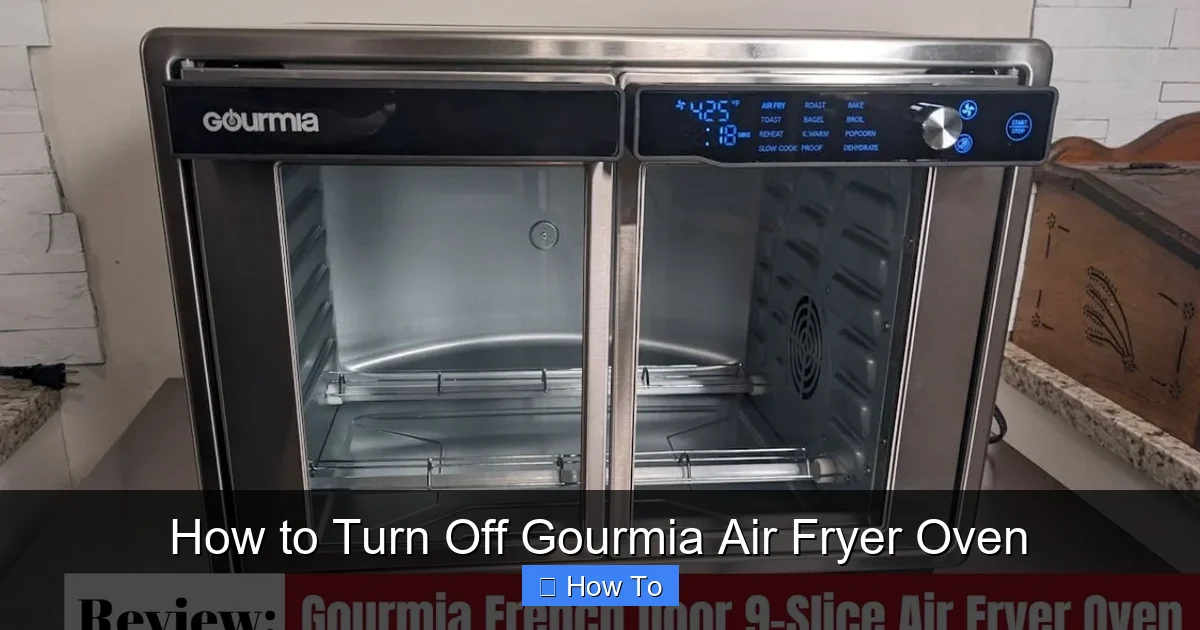
Visual guide about How to Turn Off Gourmia Air Fryer Oven
Image source: i.ytimg.com
Now let’s get into the actual steps. I’ll walk you through the most common scenarios you’ll encounter.
Method 1: Using the Power Button
This is the simplest method. It works on most Gourmia air fryer oven models.
First, check that your cooking cycle is done or stop it manually. Then locate the power button on the control panel. Press it once firmly. You should see the display turn off or show “OFF.”
Wait a moment for the fan to finish spinning. The fan helps cool down the heating element. Once it stops, it’s safe to unplug the unit if desired.
Method 2: Using the Cancel Button
Some cooks prefer using the cancel button first. Here’s how:
Start by pressing the cancel button. This stops any active cooking program immediately. The display might flash or beep to confirm. Then press the power button to fully turn off the appliance.
This method is handy when you realize you set the wrong temperature. You can cancel and start fresh without fully powering down.
Method 3: For Digital Touch Screen Models
Gourmia also makes air fryer ovens with touch screen controls. The process is similar but feels different.
Swipe or tap to access the main menu if needed. Look for a power icon or “Power Off” option. Tap it to shut down the unit. Some models might ask you to confirm the action.
After shutting down, the screen will go dark. Give the appliance a minute to cool before moving it.
Method 4: When the Cooking Timer Ends
Here’s something many people don’t realize. Your Gourmia air fryer oven often turns itself off when the timer reaches zero. This is a built-in safety feature.
When your cooking time completes, the unit stops heating. The display might show “End” or flash. At this point, the appliance is technically off. But for complete safety, you should still press the power button and unplug.
If you want to learn more about using your Gourmia air fryer oven effectively, check out this comprehensive guide on Gourmia air fryer ovens.
What to Do If Your Gourmia Air Fryer Oven Won’t Turn Off
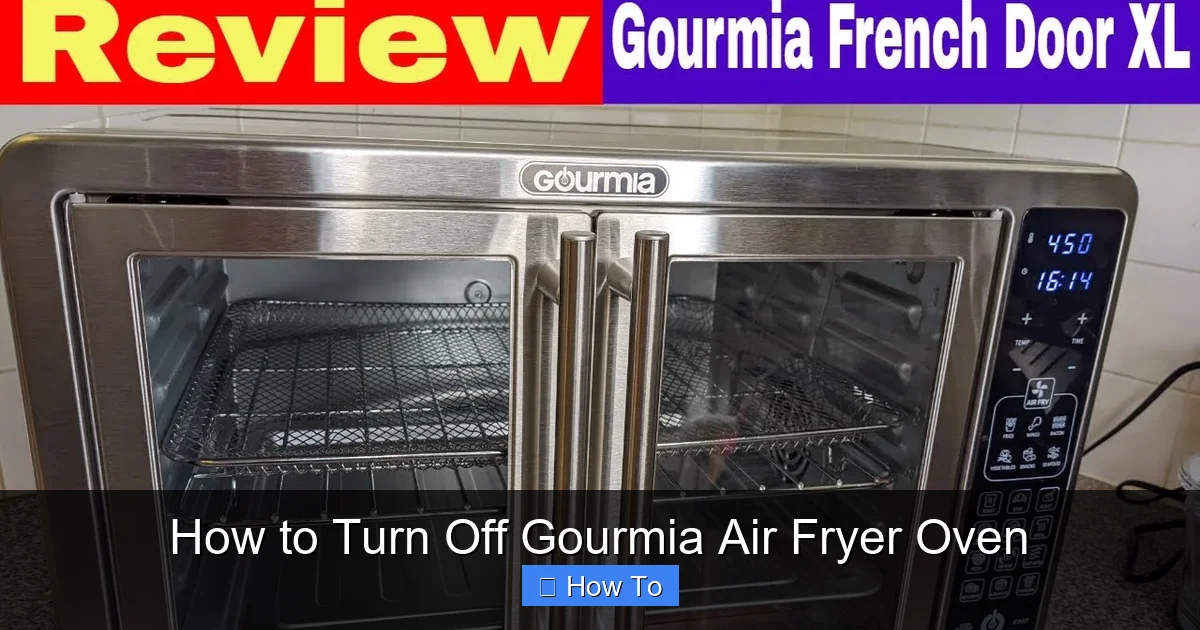
Visual guide about How to Turn Off Gourmia Air Fryer Oven
Image source: i.ytimg.com
Sometimes things don’t work as expected. Your air fryer oven might refuse to turn off. Don’t panic. There are several things you can try.
Check for a Control Lock
Many Gourmia models have a child safety lock. When this is engaged, buttons won’t respond. Look for a lock icon on the control panel. Press and hold the lock button for a few seconds to disengage it. Once unlocked, you should be able to turn off the oven normally.
The control lock usually looks like a padlock or shows “LC” on the display. It’s a small button, often near the display screen. Hold it for three to five seconds to unlock the controls.
Perform a Simple Reset
If pressing buttons doesn’t work, try a reset. Unplug the air fryer oven from the wall outlet. Wait exactly thirty seconds. Then plug it back in. The reset clears any minor software glitches.
After plugging back in, try pressing the power button again. This simple fix solves many control issues.
Let It Cool Completely
If your unit is extremely hot from a long cooking session, give it more time. Some safety features prevent normal shut-down when components are too hot. Wait ten to fifteen minutes. Let the internal temperature drop. Then try turning it off again.
Check the Power Cord
A loose power cord can cause strange behavior. Make sure the cord is firmly inserted into both the appliance and the wall outlet. Try a different outlet if possible. A faulty outlet might prevent proper shut-down signals.
When to Contact Support
If none of these steps work, you might have a defective unit. Contact Gourmia customer support. They can help diagnose the issue. They might offer a repair or replacement if the unit is still under warranty.
For general air fryer oven troubleshooting, this beginner’s guide to air fryer ovens offers helpful tips.
Safety Tips for Operating and Turning Off Your Gourmia Air Fryer Oven

Visual guide about How to Turn Off Gourmia Air Fryer Oven
Image source: circaairfryer.com
Safety should always come first. Here are important tips for safely operating and turning off your appliance.
Always Unplug After Use
After turning off your Gourmia air fryer oven, unplug it from the wall. This eliminates any risk of electrical issues. It also saves a small amount of energy. Unplugging is especially important if you’ll be away from home.
Wait for the Fan to Stop
The cooling fan runs for a minute or two after cooking. Never move or store the unit while the fan is still spinning. Moving it with the fan running can damage the internal components. Patience prevents repairs.
Let It Cool Before Cleaning
After turning off your air fryer oven, wait for it to cool completely before cleaning. The interior and accessories can cause burns. A good rule is to wait at least thirty minutes after cooking before wiping down the interior.
If you’re looking for cleaning tips, here’s a helpful guide on cleaning air fryer baskets.
Keep the Area Clear
When your air fryer oven is on or cooling, keep the area around it clear. Don’t place items on top of or directly against the appliance. The exterior surfaces get hot during cooking and can melt certain materials.
Never Force Buttons
If a button doesn’t respond, don’t press it harder. This can break the button mechanism. Try the reset method instead. Gentle pressure is all that’s needed.
Understanding the Auto-Shutoff Feature
Most Gourmia air fryer ovens have an automatic shutoff feature. This is a safety measure that turns off the heating element if something goes wrong.
How Auto-Shutoff Works
The unit monitors its own temperature during cooking. If it gets too hot, auto-shutoff kicks in. This might happen if too much fat builds up in the bottom of the oven. It can also trigger if airflow is blocked.
When auto-shutoff activates, the display might show an error code. The unit will refuse to start again until it cools down.
Preventing Auto-Shutoff
Keep your air fryer oven clean inside. Remove grease and food debris after each use. Don’t overcrowd the cooking chamber. Good airflow prevents overheating.
Also, make sure the vents aren’t blocked. The vents are usually on the back or sides of the unit. Give your air fryer oven space from walls and cabinets.
Tips for Maintaining Your Gourmia Air Fryer Oven
Good maintenance keeps your appliance working properly for years. Here are simple maintenance tips.
Clean After Every Use
Let the unit cool, then wipe out the interior. Remove the basket and tray. Wash them with warm soapy water. Dry everything before reassembling.
Check the Heating Element
Periodically look at the heating element. It should glow orange-red when on. If you see dark spots or damage, contact Gourmia support.
Update Your Knowledge
Firmware updates might be available for digital models. Check Gourmia’s website occasionally. Updates can add features or fix bugs.
Taking care of your air fryer oven makes it safer to use. A well-maintained unit is more reliable and lasts longer.
Final Thoughts on Turning Off Your Gourmia Air Fryer Oven
Turning off your Gourmia air fryer oven is simple. Press the power button. Wait for the fan to stop. Unplug for complete safety. That’s all there is to it.
If you run into issues, try the reset method first. Check for the control lock feature. Let the unit cool if it’s very hot. These tips solve most problems quickly.
Remember that safety always comes first. Never leave your air fryer oven unattended while it’s on. Always unplug after use. Keep the area around the appliance clear.
Your Gourmia air fryer oven will serve you well for many meals. Now that you know how to turn it off properly, you’re ready to enjoy delicious, crispy cooking. Happy air frying!
For more tips on using air fryer ovens effectively, explore our collection of convection oven air fryer guides.
Frequently Asked Questions
Where is the power button on a Gourmia air fryer oven?
The power button is typically located on the main control panel. It’s usually marked with a circle that has a line inside it. On most models, it’s one of the larger buttons on the panel. The display will light up when the unit is powered on.
Is it safe to leave my Gourmia air fryer oven plugged in after use?
It’s best to unplug your air fryer oven after each use for safety. Leaving it plugged in poses a small risk of electrical issues. Unplugging also saves energy and extends the appliance’s lifespan.
Why won’t my Gourmia air fryer oven respond to button presses?
Check if the control lock is engaged. This safety feature disables all buttons when active. Look for a lock icon or “LC” on the display. Press and hold the lock button for three to five seconds to unlock it.
How long does the cooling fan run after turning off the air fryer oven?
The cooling fan typically runs for one to two minutes after you turn off the unit. On longer cooking cycles, it might run longer. Always wait until the fan stops completely before moving or storing the appliance.
What does it mean when my Gourmia air fryer oven beeps when I try to turn it off?
If your unit beeps when shutting down, it might be in a locked state or experiencing an error. Try resetting the unit by unplugging it for thirty seconds. If the beeping continues, consult your user manual or contact Gourmia support.
Can I turn off my Gourmia air fryer oven mid-cooking?
Yes, you can stop cooking at any time by pressing the cancel or power button. The heating element will stop immediately. The fan might continue running briefly to cool down the unit. Your food may not be fully cooked, so you may need to finish it later.