How to Turn Off Oster Toaster Oven
Knowing how to turn off Oster toaster oven is essential for safety, energy savings, and prolonging the appliance’s lifespan. This guide walks you through the exact steps, common pitfalls, and handy tips to power down your unit correctly every time.
Key Takeaways
- Power button location: Most Oster models feature a clearly marked power button on the front panel; pressing it once shuts off the unit.
- Timer‑based shut‑off: If you set a timer, the oven will automatically turn off when the countdown reaches zero—no extra action needed.
- Unplugging for safety: For deep cleaning or extended storage, unplug the toaster oven from the wall outlet after it’s powered down.
- Indicator lights: Look for the LED or neon indicator; it should go dark when the oven is fully off.
- Avoid accidental reactivation: Keep the door closed and the controls untouched after turning off to prevent the unit from restarting.
- Troubleshooting: If the oven doesn’t shut off, check for stuck buttons, faulty timers, or power‑surge issues and reset the unit.
- Energy efficiency: Turning off the oven promptly after use saves electricity and reduces heat buildup in your kitchen.
📑 Table of Contents
- Introduction: Why Knowing How to Turn Off Oster Toaster Oven Matters
- Locating the Power Button on Your Oster Toaster Oven
- Using the Timer Function to Automatically Turn Off Oster Toaster Oven
- Manual Shut‑Off: What to Do When the Button Doesn’t Respond
- Safety Best Practices After Turning Off Your Oster Toaster Oven
- Troubleshooting Common Issues When Trying to Turn Off Oster Toaster Oven
- Energy‑Saving Tips: Turning Off Oster Toaster Oven Efficiently
- Conclusion: Mastering How to Turn Off Oster Toaster Oven
Introduction: Why Knowing How to Turn Off Oster Toaster Oven Matters
Many home cooks reach for their Oster toaster oven because it’s quick, versatile, and perfect for everything from toasted bagels to roasted vegetables. Yet, even the most reliable appliance can become a safety hazard if left on unintentionally. Understanding how to turn off Oster toaster oven is not just about convenience—it protects your home from overheating, saves on electricity bills, and extends the life of the unit.
In this guide, we’ll walk you through the exact steps to power down your Oster toaster oven, explain the different ways it can shut off (manual button, timer, or automatic safety features), and share practical tips for troubleshooting when things don’t go as planned. Whether you’re a seasoned chef or a beginner, you’ll finish reading feeling confident that you can safely turn off your Oster toaster oven every single time.
Locating the Power Button on Your Oster Toaster Oven
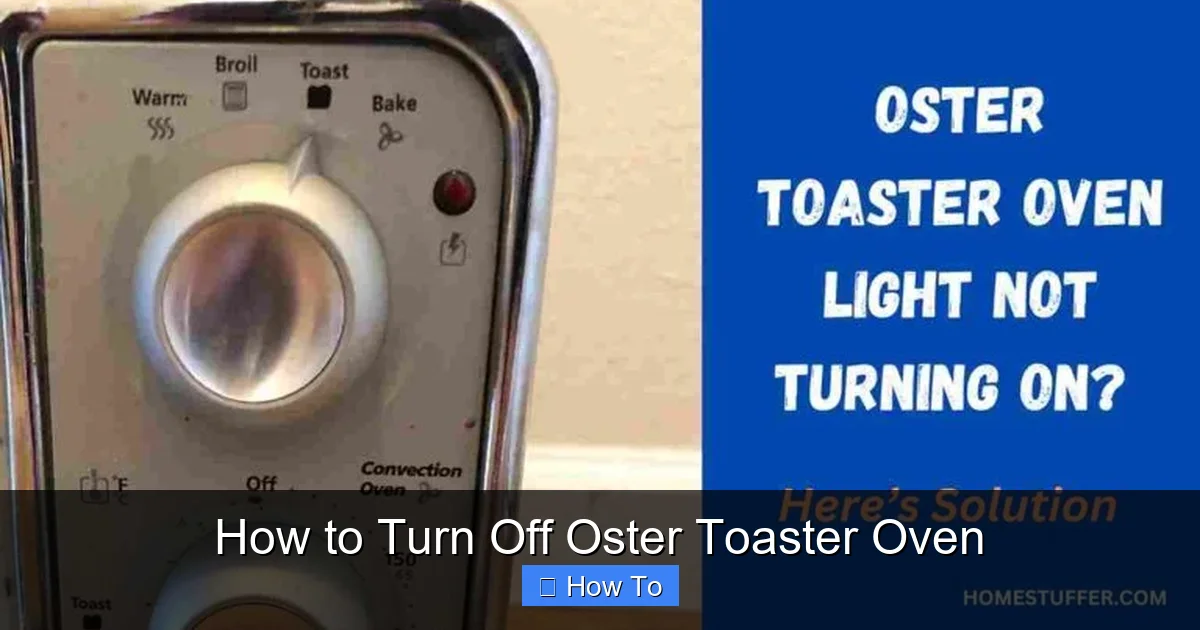
The first step in learning how to turn off Oster toaster oven is finding the power button. On most Oster models, this button is prominently placed on the front control panel, often labeled with a simple “Power” icon or the word “OFF.” It may be a tactile push‑button or a soft‑touch sensor, depending on the year and series.
Visual guide about How to Turn Off Oster Toaster Oven
Image source: homestuffer.com
When you locate the button, make sure the oven is not in the middle of a cooking cycle. If you’re actively baking, broiling, or toasting, you can still press the power button to stop the process immediately. The oven will cut power to the heating elements, and the interior lights (if equipped) will dim.
For models that feature a dial‑style timer, the power button may be integrated into the timer knob. Turning the knob all the way to the “Off” position serves the same purpose as pressing a separate button. In either case, a firm press or a full turn will signal the unit to shut down.
Visual Cues to Confirm the Oven Is Off
After you press the power button, look for these indicators:
- The LED display (if present) goes blank or shows “Off.”
- Any interior illumination turns off.
- The fan (if your model has a cooling fan) stops spinning after a few seconds.
- You no longer hear the faint hum of the heating elements.
If any of these signs are missing, give the unit a few more seconds—some models have a brief delay before the power fully cuts. If the indicators remain on after 10 seconds, move on to the troubleshooting section later in this guide.
Using the Timer Function to Automatically Turn Off Oster Toaster Oven
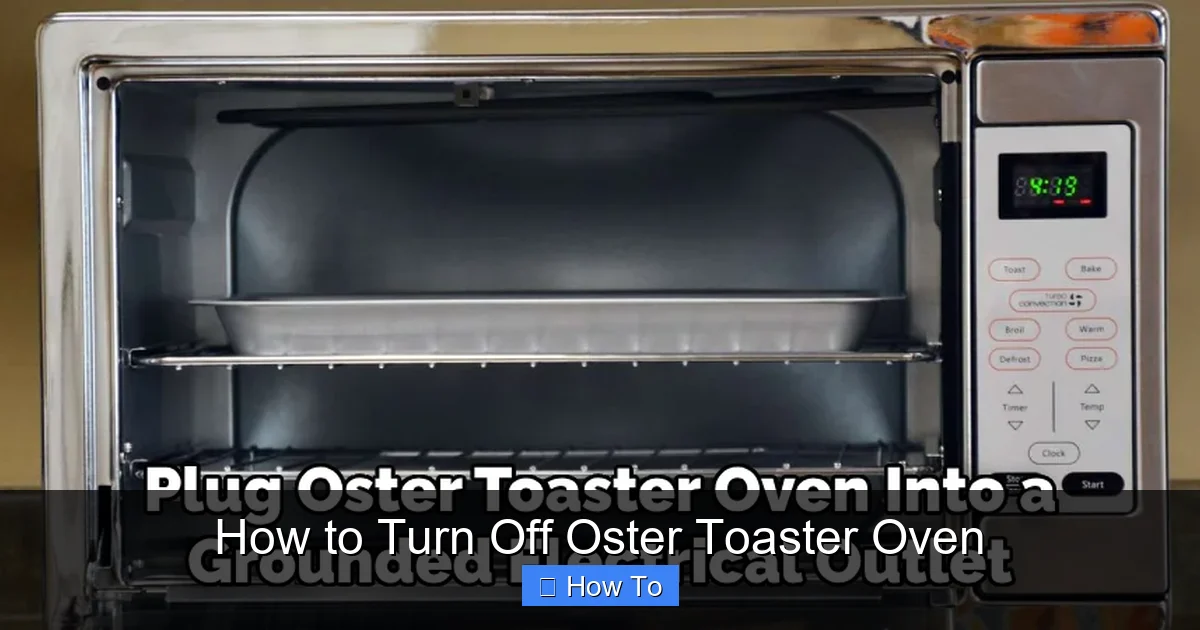
Many Oster toaster ovens come equipped with a built‑in timer that can automatically shut off the appliance when the set time elapses. This feature is especially handy when you’re multitasking in the kitchen.
Visual guide about How to Turn Off Oster Toaster Oven
Image source: thekitchenix.com
To use the timer:
- Set your desired cooking temperature using the temperature dial or digital pad.
- Turn the timer knob to the number of minutes you need (or enter the time on a digital model).
- Press “Start” or simply close the door if your model begins counting down automatically.
- When the timer reaches zero, the oven will emit a short beep and the power will cut off.
Because the timer handles the shut‑off for you, you don’t need to remember how to turn off Oster toaster oven manually—though it’s still wise to verify that the oven is indeed off once the timer ends.
Setting the Timer for Common Tasks
Here are a few quick examples:
- Toasting bread: Set the timer for 2–3 minutes at a medium‑high setting.
- Baking a small pizza: Aim for 8–10 minutes at 425°F; the timer will shut off the oven when the pizza is perfectly melted.
- Reheating leftovers: 3–4 minutes at 350°F usually does the trick.
Remember that if you open the door before the timer ends, the countdown will pause on most models. Closing the door resumes the timer, ensuring the oven still turns off at the intended moment.
Manual Shut‑Off: What to Do When the Button Doesn’t Respond
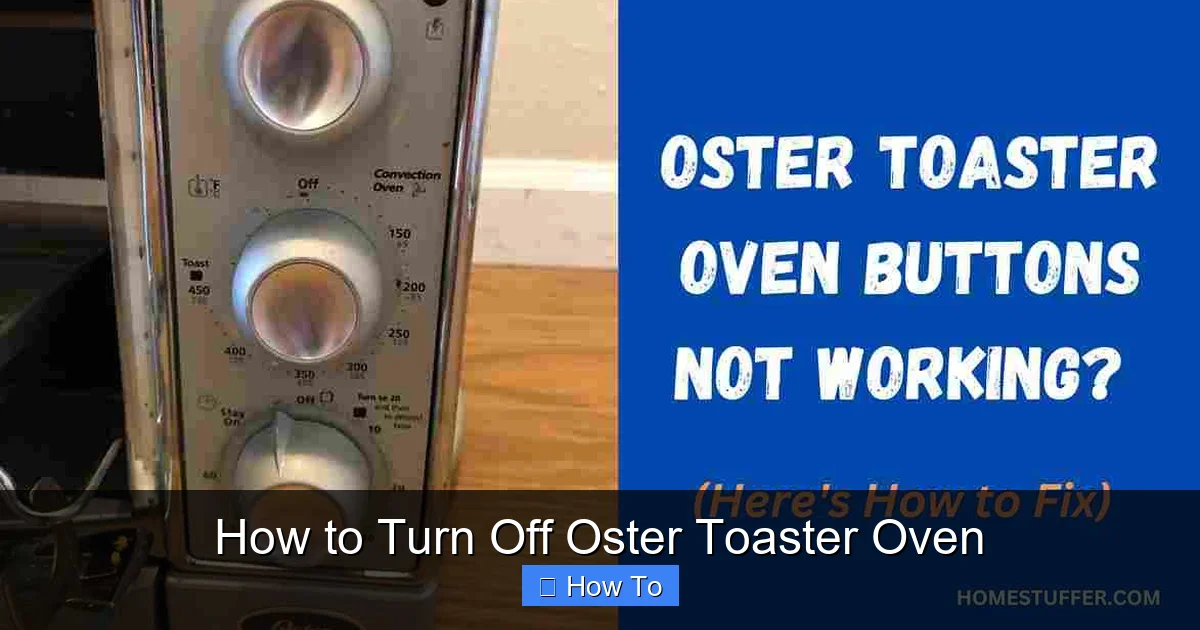
Occasionally, you might find that pressing the power button does nothing. This can be frustrating, especially when you’re in a hurry. Before assuming the oven is broken, try these steps:
Visual guide about How to Turn Off Oster Toaster Oven
Image source: homestuffer.com
- Check that the oven is properly plugged into a working outlet. A loose plug can prevent the control panel from receiving power.
- Inspect the power button for debris or food particles that might be blocking its movement. A gentle clean with a dry cloth often resolves the issue.
- Perform a soft reset: unplug the oven, wait about 30 seconds, then plug it back in. This clears any temporary glitches in the electronic control board.
- If your model has a child‑lock or safety lock feature, make sure it isn’t engaged. Consult your user manual for the exact sequence to disable it.
After performing these checks, try pressing the power button again. In most cases, the oven will respond and you’ll successfully learn how to turn off Oster toaster oven even when the button initially seems unresponsive.
Safety Best Practices After Turning Off Your Oster Toaster Oven
Knowing how to turn off Oster toaster oven is only part of the equation. What you do after the unit is off can impact both safety and longevity.
Unplugging for Extended Periods
If you won’t be using the oven for several hours or days—perhaps you’re going on vacation or doing a deep clean—unplug it from the wall socket. This eliminates any phantom power draw and protects the appliance from power surges.
Keeping the Door Closed
Leave the door shut after turning off the oven. An open door can allow warm air to escape, causing the interior to cool unevenly and potentially leading to condensation on the electronics.
Regular Cleaning Routine
Wipe down the interior tray, crumb tray, and exterior surfaces once the oven is completely cool. A clean oven not only performs better but also reduces the risk of smoke or odors when you next turn it on.
Monitoring Indicator Lights
Make it a habit to glance at the power indicator each time you finish cooking. If the light stays on, you know immediately that something is off and can investigate before leaving the kitchen.
Troubleshooting Common Issues When Trying to Turn Off Oster Toaster Oven
Even with the best intentions, sometimes the oven refuses to shut off. Below are the most frequent problems and how to solve them.
Stuck or Faulty Power Button
If the button feels sticky or doesn’t click, it may be mechanically jammed. Try:
- Applying a small amount of isopropyl alcohol to a cotton swab and gently cleaning around the button’s edges.
- Pressing the button repeatedly to loosen any internal debris.
- If the button remains unresponsive after cleaning, the internal switch may need replacement—contact Oster support or a qualified appliance technician.
Timer Malfunction
A timer that never reaches zero or gets stuck can keep the oven powered. Steps to address this:
- Reset the timer by turning it all the way to the start position and then back to your desired time.
- Check for error codes on the display (refer to your manual for code meanings).
- If the timer continues to fail, the electronic timer module may be defective.
Power Surge or Electrical Fault
After a lightning storm or power outage, the oven’s internal circuitry can latch in an “on” state.
- Unplug the oven for at least one minute, then plug it back in.
- If the oven still won’t turn off, inspect your home’s circuit breaker for a tripped switch related to the kitchen outlet.
- Consider using a surge protector for your toaster oven to prevent future issues.
When to Call for Professional Help
If you’ve tried all the above steps and the oven still won’t shut off, it’s time to seek expert assistance. Continuing to use a malfunctioning appliance can pose a fire risk. Contact Oster customer service with your model number and a description of the problem; they can guide you through warranty service or recommend a certified repair technician.
Energy‑Saving Tips: Turning Off Oster Toaster Oven Efficiently
Beyond safety, turning off your Oster toaster oven promptly helps you save money and reduce your carbon footprint.
Use Residual Heat
Many foods finish cooking with the oven’s residual heat. For example, after baking a batch of cookies, you can turn off the oven two minutes before the timer ends and let the trapped heat finish the job. This small habit cuts energy use without sacrificing results.
Batch Cooking
If you have multiple items to toast or bake, try to do them in one session rather than turning the oven on and off repeatedly. Each warm‑up cycle consumes extra power, so minimizing cycles saves energy.
Leverage Eco‑Mode (If Available)
Some newer Oster models include an eco‑mode that lowers power consumption once the set temperature is reached. Activate this feature when available, and still remember to press the power button when you’re done.
Monitor Your Usage
Keep a simple log of how often you use the oven and for how long. Over a week, you’ll see patterns where you can consolidate tasks or shift to a microwave or stovetop for quicker jobs, further reducing the need to keep the oven on.
Conclusion: Mastering How to Turn Off Oster Toaster Oven
By now you should feel confident in how to turn off Oster toaster oven under any circumstance. Whether you rely on the manual power button, let the timer do the work, or troubleshoot a stubborn control panel, the steps outlined here keep you safe, save energy, and extend the life of your appliance.
Remember to always verify that the indicator lights are off, keep the door closed after use, and unplug the unit when it will sit idle for extended periods. With these habits in place, your Oster toaster oven will remain a reliable kitchen companion for years to come.
Happy cooking, and stay safe!
Frequently Asked Questions
Is it safe to leave the Oster toaster oven plugged in after turning it off?
Yes, it is safe to leave the oven plugged in when it’s turned off, as long as the power indicator is dark and the unit shows no signs of heat. However, for extended periods of non‑use or during cleaning, unplugging eliminates any standby power draw and protects against surges.
What should I do if the power button on my Oster toaster oven is stuck?
First, unplug the oven and gently clean around the button with a dry cloth or a cotton swab dipped in isopropyl alcohol. If the button remains unresponsive after cleaning, the internal switch may be faulty and will likely need professional repair or replacement.
Can I rely solely on the timer to turn off my Oster toaster oven?
Absolutely. Setting the timer is a convenient way to ensure the oven shuts off automatically when the cooking time ends. Still, it’s good practice to double‑check that the indicator lights are off once the timer reaches zero.
Does opening the door stop the timer on an Oster toaster oven?
On most Oster models, opening the door pauses the countdown, and closing the door resumes it. This feature prevents the oven from turning off prematurely while you’re checking on your food.
How can I tell if my Oster toaster oven is still using power after I’ve turned it off?
Look for any illuminated LEDs, display screens, or interior lights. If none are lit and the fan (if present) has stopped, the oven is not drawing power. You can also feel the housing; it should be cool to the touch.
Is there a difference between turning off the oven and using the “cancel” function?
Many Oster models treat the “cancel” button as an immediate power cut, similar to pressing the power button. Both functions stop the heating elements and shut down the unit, though “cancel” may also reset any programmed settings.