What Is Turbo on Oster Toaster Oven
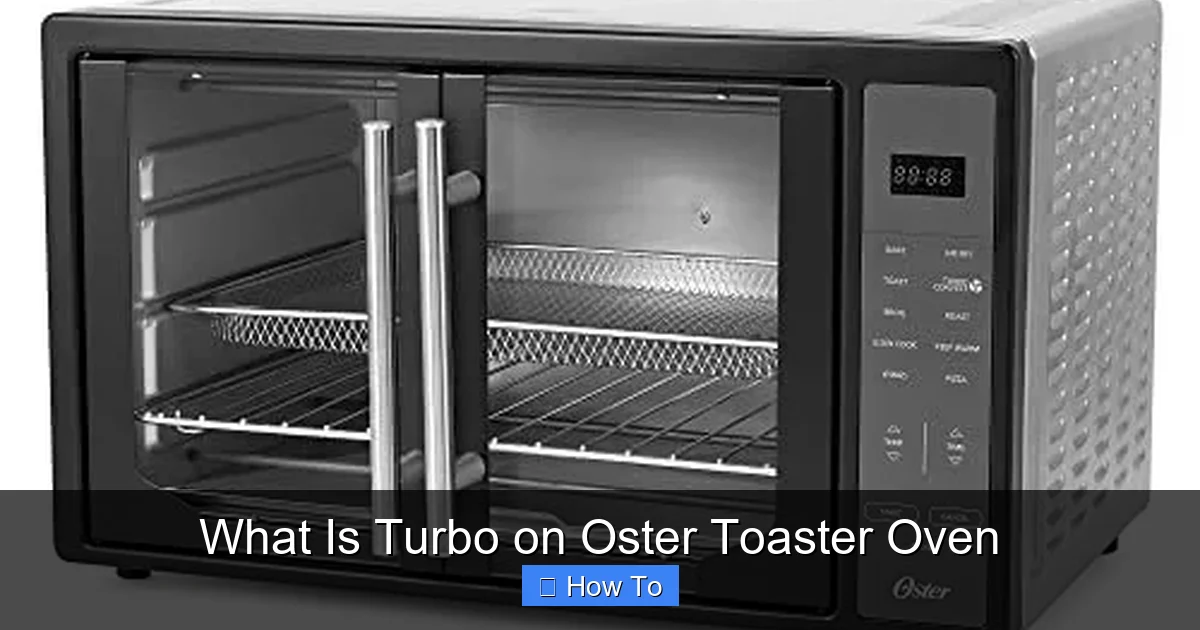
What Is Turbo On Oster Toaster Oven is a high‑speed setting that boosts heat and airflow for faster, more even cooking. It works like a convection boost, cutting cooking time while delivering crispy results. Learn how to use Turbo effectively and when it’s best to switch it off.
If you’ve ever glanced at the control panel of an Oster toaster oven and wondered, “What Is Turbo On Oster Toaster Oven?” you’re not alone. Many home cooks see the Turbo button and assume it’s just another fancy setting, but it actually serves a specific purpose. In this guide we’ll break down exactly what Turbo does, how it differs from regular bake or toast, and when you should reach for it to get the best results from your appliance.
Understanding the Turbo feature can help you cook faster, achieve better browning, and even save a bit of energy. We’ll cover the science behind the boost, practical tips for using Turbo safely, and examples of foods that shine under this high‑speed setting. By the end, you’ll know precisely What Is Turbo On Oster Toaster Oven and how to make it work for your kitchen routine.
Key Takeaways
- Turbo boosts heat and fan speed: It increases temperature and airflow to cook food quicker than regular bake or toast settings.
- Ideal for crisping and browning: Use Turbo for pizza, frozen snacks, or reheating leftovers when you want a crunchy exterior.
- Not suitable for delicate foods: Avoid Turbo for cakes, custards, or anything that needs gentle, slow heat.
- Saves energy and time: By cutting cooking time, Turbo can reduce electricity use compared to longer bake cycles.
- Easy to activate: Most Oster models have a dedicated Turbo button or dial setting—just press and select your desired time/temperature.
- Works with convection principles: Turbo is essentially a high‑speed convection mode, similar to what you find in convection toaster ovens.
- Check your manual: Exact Turbo behavior varies by model; consult your Oster manual for temperature ranges and recommended uses.
📑 Table of Contents
How Turbo Works in an Oster Toaster Oven
The Turbo function on an Oster toaster oven is essentially a high‑speed convection boost. When you press Turbo, the appliance increases both the heating element output and the fan speed. This combination pushes hot air around the food more vigorously than the standard bake or toast modes.
Because the moving air transfers heat more efficiently, the interior of the oven reaches the set temperature faster, and the surface of your food gets exposed to a steady stream of hot air. The result is quicker cooking times and a crispier exterior—similar to what you’d get from a convection oven, but in a compact countertop form.
For a deeper look at convection basics, you can read our article on what a convection toaster oven is used for. It explains how moving air improves heat distribution, which is exactly what Turbo amplifies.
When to Use the Turbo Setting
Turbo shines when you want speed and crunch. Think of foods that benefit from a quick burst of high heat: frozen pizza slices, chicken nuggets, fish sticks, or even a slice of garlic bread. The rapid airflow helps thaw the interior while crisping the outside in a fraction of the time.
Visual guide about What Is Turbo on Oster Toaster Oven
Image source: auctioneersoftware.s3.amazonaws.com
It’s also handy for reheating leftovers that have gone soggy in the microwave. A few minutes on Turbo can revive the texture of fried foods, making them taste freshly cooked again. If you’re making a quick snack or a meal for one, Turbo often cuts the cooking time by 20‑30 percent compared to regular bake.
However, Turbo isn’t a one‑size‑fits‑all solution. Delicate items like cakes, muffins, custards, or anything that needs a gentle rise can suffer from the intense airflow, which may cause uneven baking or a dry top. In those cases, stick to the standard bake or toast settings and let the oven work at a slower, steadier pace.
Practical Tips for Getting the Most Out of Turbo
Preheat When Needed
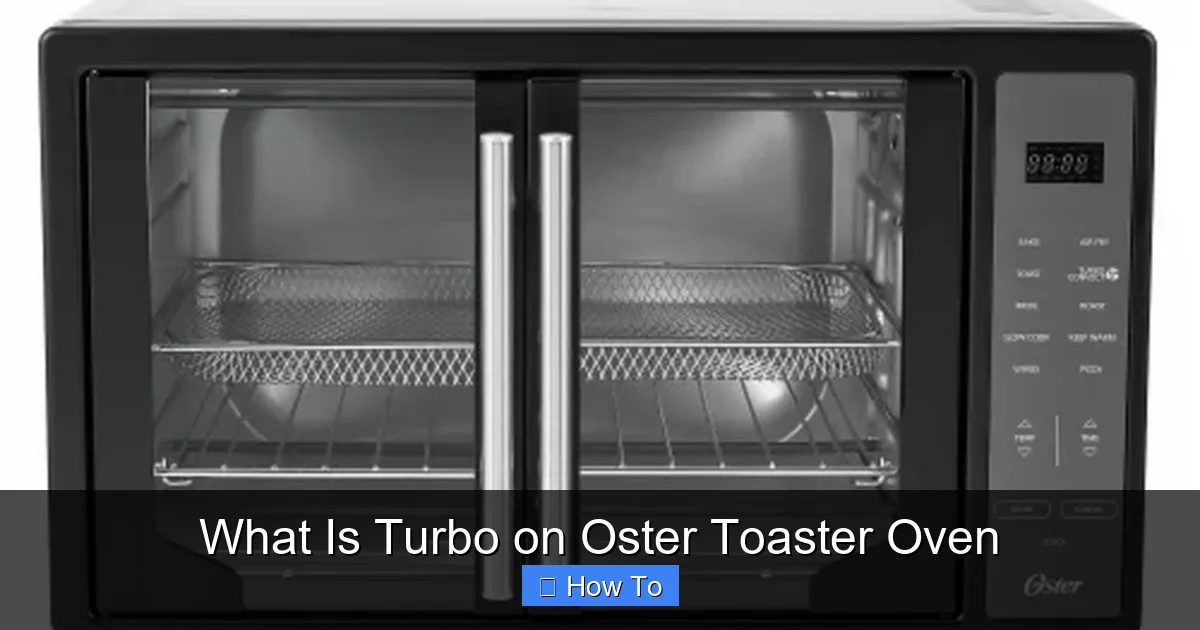
Although Turbo speeds up cooking, many recipes still benefit from a short preheat. Give the oven 2‑3 minutes on Turbo before placing your food inside, especially for items like pizza or frozen appetizers. This ensures the heating element and fan are already at full speed when the food hits the rack.
Visual guide about What Is Turbo on Oster Toaster Oven
Image source: kroger.com
Adjust Time and Temperature
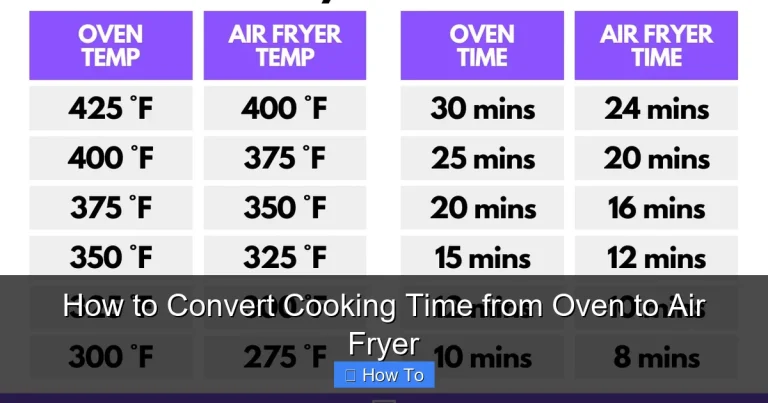
Because Turbo cooks faster, you’ll often need to lower the temperature slightly or reduce the cook time. A good rule of thumb is to set the temperature 10‑15 °F lower than the recipe calls for, or check for doneness a few minutes earlier than usual. Keep an eye on the food the first time you use Turbo for a new dish to avoid over‑cooking.
Use the Right Rack Position
Place food on the middle rack for even airflow. If you’re cooking something thick, like a chicken breast, you can move the rack up a notch to bring the food closer to the heating element, but watch closely to prevent burning.
Keep the Door Closed
Opening the door releases the hot, moving air and slows down the Turbo effect. Try to check progress only through the oven window if your model has one, or open the door briefly and then close it quickly.
Foods That Excel with Turbo
- Frozen snacks: Mozzarella sticks, onion rings, and tater tots get crispy without the soggy middle.
- Pizza: A slice or a small personal pizza finishes with a bubbly cheese top and a crunchy crust.
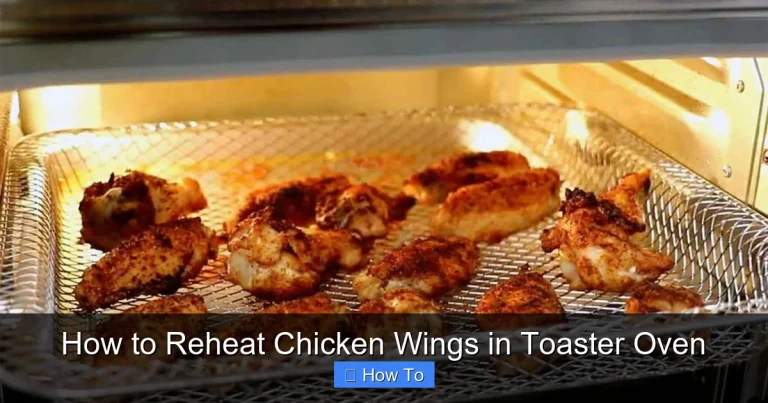
- Reheated fried foods: Chicken wings, fish fillets, and spring rolls regain their crunch.
- Vegetables: Broccoli florets, bell pepper strips, or zucchini slices roast quickly and develop a caramelized edge.
- Toasted sandwiches: A quick Turbo blast melts cheese and crisps the bread in under two minutes.
Foods to Avoid on Turbo
- Cakes and cupcakes: The rapid airflow can cause uneven rising and a dry crust.
- Custards and flan: Gentle, steady heat is needed to prevent curdling.
- Bread dough that needs proofing: Turbo can dry out the surface before the interior rises.
- Thick roasts: Large cuts of meat benefit from slower, lower‑heat cooking to stay juicy.
Comparing Turbo to Other Oster Settings
It’s useful to see how Turbo stacks up against the standard Bake, Toast, and Broil functions:
Visual guide about What Is Turbo on Oster Toaster Oven
Image source: kroger.com
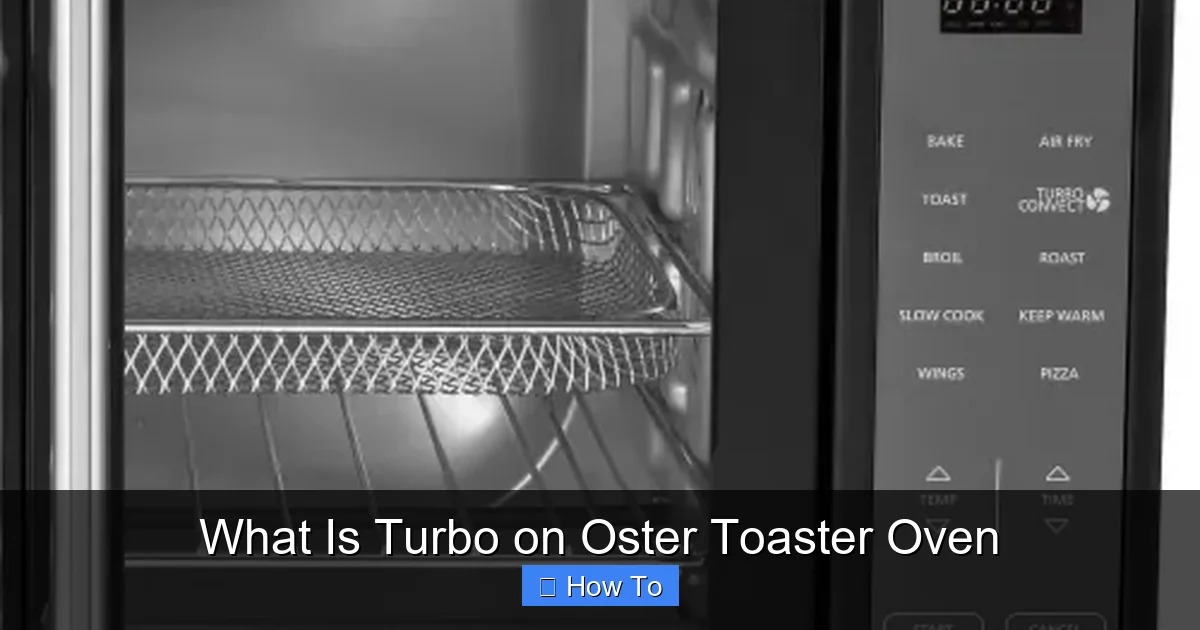
- Bake: Uses steady heat from top and bottom elements with a low‑speed fan (or none). Best for even cooking of casseroles, baked goods, and roasts.
- Toast: Focuses on top heating elements for quick browning of bread; fan speed is moderate.
- Broil: Intense top‑down heat for searing or melting; fan may be off or low.
- Turbo: Maximizes both heat output and fan speed, delivering the fastest heat transfer.
If you’re curious about the broader capabilities of your appliance, check out our guide on what a toaster oven is good for. It covers everything from baking to reheating and helps you decide which setting fits each task.
Safety and Maintenance Tips
Using Turbo generates more heat and airflow, which can cause the interior to become hotter faster. Always use oven mitts when removing trays, and let the appliance cool before cleaning. Wipe down the interior with a damp cloth after each use to prevent buildup of food particles that could affect fan performance.
Check the fan blades periodically (refer to your manual for access instructions) to ensure they’re free of debris. A clean fan maintains the Turbo’s efficiency and extends the life of your toaster oven.
Conclusion
Now you have a clear answer to the question, What Is Turbo On Oster Toaster Oven. It’s a high‑speed convection boost that raises temperature and fan power to cook food faster and crispier. Use it for frozen snacks, pizza, reheated leftovers, and vegetables that benefit from a quick burst of heat. Avoid it for delicate baked goods, custards, and large meat cuts that need slow, gentle cooking.
By adjusting time and temperature, positioning food correctly, and keeping the door closed, you’ll get the most out of Turbo while keeping your meals delicious and safe. Remember to consult your specific Oster model’s manual for exact temperature ranges and any model‑specific quirks.
Whether you’re whipping up a quick after‑school snack or preparing a fast dinner for two, Turbo can be a valuable tool in your countertop arsenal. Give it a try, observe the results, and soon you’ll intuitively know when to hit that Turbo button for perfect, speedy cooking every time.
Frequently Asked Questions
Is Turbo the same as convection on an Oster toaster oven?
Turbo is essentially a high‑speed convection mode. It increases both heat and fan speed beyond the standard convection setting, giving you faster results.
Can I use Turbo for baking cookies?
It’s not recommended. The rapid airflow can cause cookies to spread too much and become dry on the edges before the center is set.
Does Turbo use more electricity than regular bake?
Because Turbo shortens cooking time, overall energy use can be lower or similar to a longer bake cycle, even though the instant power draw is higher.
How do I know if my Oster model has Turbo?
Look for a button labeled “Turbo” or a setting on the dial that mentions Turbo. If you’re unsure, consult the user manual or the product page on Oster’s website.
What temperature range does Turbo typically cover?
Most Oster models allow Turbo to operate between 350 °F and 450 °F, but exact ranges vary; check your manual for specifics.
Can I combine Turbo with the broil function?
No. Turbo and Broil are separate modes; activating one disables the other. Choose the mode that matches your cooking goal.