How to Turn on Black Decker Toaster Oven
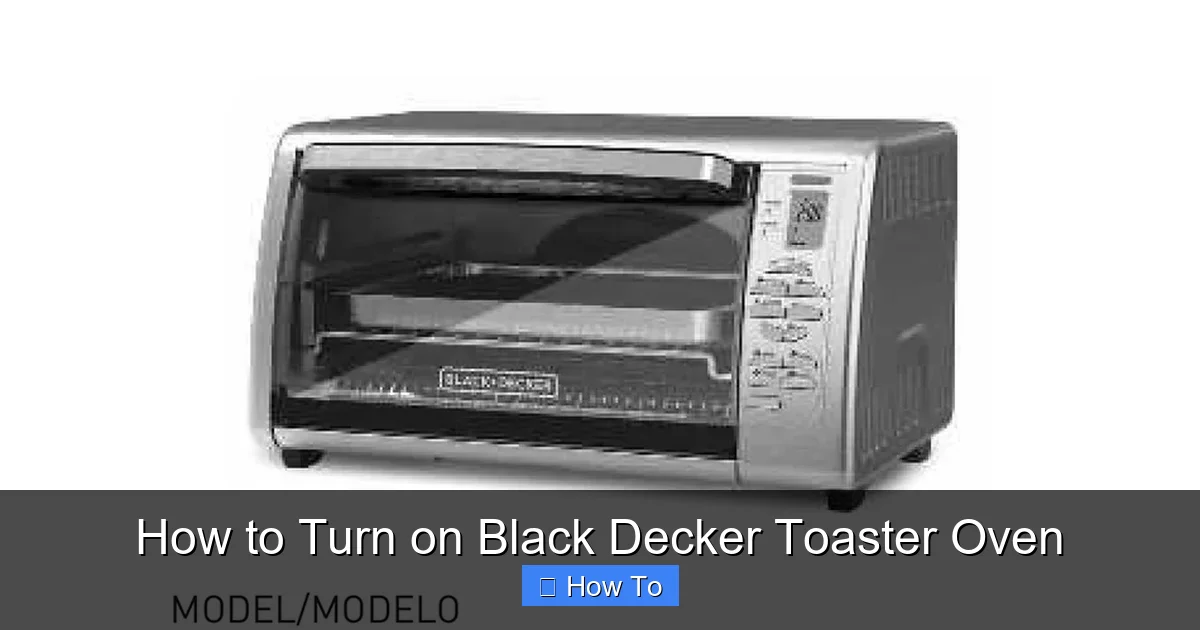
Turning on your Black Decker toaster oven is straightforward once you know the basics. Start by plugging it in, setting the correct temperature and timer, and pressing the “Start” button. Always check the manual for specific model steps and prioritize safety by keeping the area clear and avoiding overcrowding the oven.
Key Takeaways
- Check the power source: Ensure the toaster oven is properly plugged in and the outlet is functional before proceeding.
- Set the temperature and timer: Adjust these settings based on your recipe or food type for even cooking.
- Use the “Start” button: Press this to activate the oven and begin heating.
- Follow safety guidelines: Keep the oven clean, avoid touching hot surfaces, and never leave it unattended while in use.
- Reset if needed: If the oven doesn’t turn on, check for error codes or reset it using the manual’s instructions.
- Clean regularly: Maintain the oven’s performance by cleaning trays and interior surfaces after each use.
- Test with simple recipes first: Beginners can start with basic items like reheating leftovers to get familiar with the oven’s functions.
📑 Table of Contents
Introduction: Getting Started with Your Black Decker Toaster Oven
If you’re new to using a Black Decker toaster oven, turning it on might seem daunting at first. Whether you’re reheating leftovers, baking cookies, or air-frying vegetables, this appliance is a versatile kitchen companion. However, like any appliance, it requires proper setup to function safely and effectively. This guide will walk you through the steps to turn on your Black Decker toaster oven, troubleshoot common issues, and use it like a pro. Let’s dive in!
Step-by-Step Guide to Turning On Your Black Decker Toaster Oven
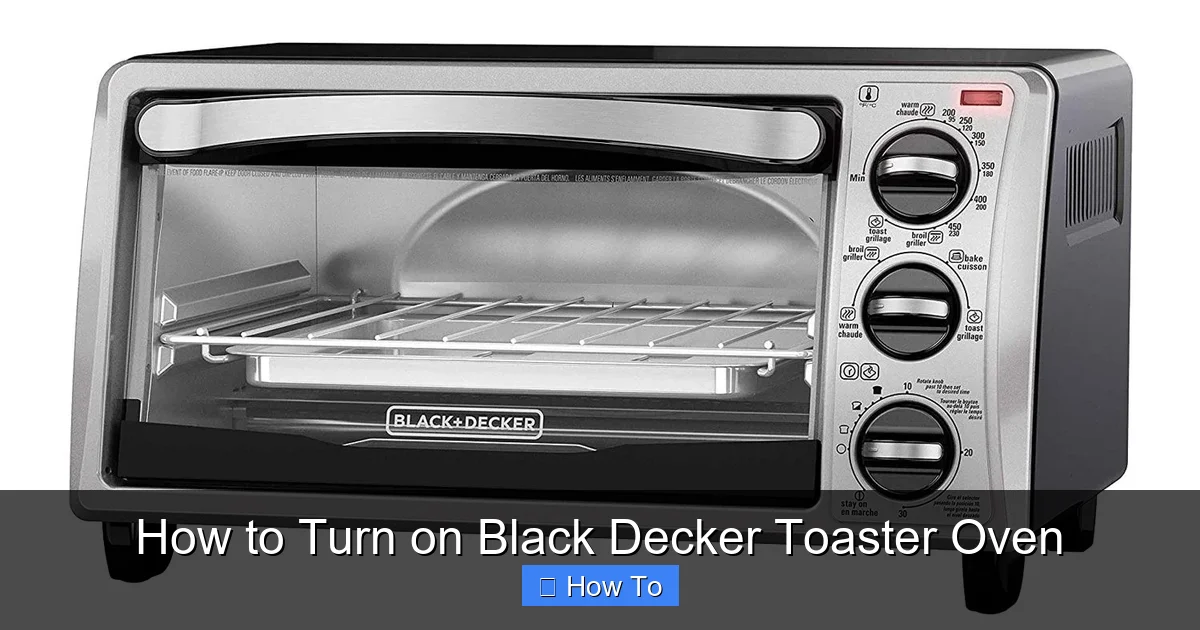
Visual guide about How to Turn on Black Decker Toaster Oven
Image source: bhg.com
Step 1: Plug In and Check the Power Source
Before anything else, ensure your toaster oven is plugged into a grounded electrical outlet. If it doesn’t power on, check if the outlet is working by testing it with another appliance. Some models also have a power switch on the side or back—make sure it’s in the “ON” position.
Step 2: Set the Temperature and Timer
Most Black Decker toaster ovens have a dial or digital panel to adjust the temperature. For reheating, set it between 300°F and 350°F. For baking, refer to your recipe, but common settings for cookies (350°F–375°F) or frozen pizza (400°F–425°F) are typical. The timer usually ranges from 1 to 60 minutes. Adjust it based on your food’s cooking time.
Step 3: Press the “Start” Button
Once the temperature and timer are set, locate the “Start” button. Press it firmly to activate the heating element. You’ll hear a click or see indicator lights turn on, signaling the oven is heating. Some models require pressing “Start” again after setting the timer.
Step 4: Place Food in the Oven
After confirming the oven is on, open the door carefully (it may be hot!) and place your food inside. Arrange items on the rack or tray, ensuring they’re not overcrowded. For even heating, rotate or flip food halfway through cooking.
Step 5: Monitor and Remove Food
Set a separate timer or use your phone’s alarm as a reminder to check on your food. When the timer dings, turn off the oven (if it hasn’t auto-shut off) and open the door to let steam escape. Use oven mitts to remove the food safely.
Troubleshooting Common Issues
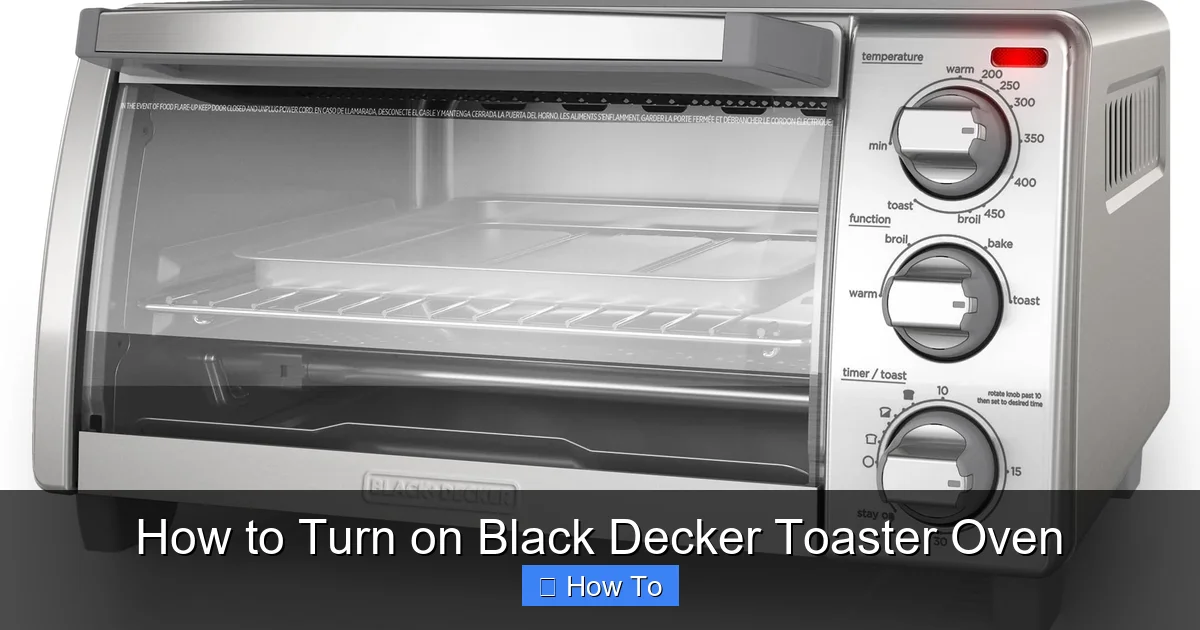
Visual guide about How to Turn on Black Decker Toaster Oven
Image source: m.media-amazon.com
Why Won’t My Toaster Oven Turn On?
If your oven doesn’t power on, double-check the outlet, power switch, and plug. Ensure the circuit breaker hasn’t tripped. If it still doesn’t work, consult the user manual for error codes or reset instructions. Sometimes, a faulty heating element or internal component may need professional repair.
Overheating or Unusual Noises
Overheating could result from blocked ventilation or excessive use. Turn off the oven and let it cool before inspecting for debris or obstructions. Unusual sounds like buzzing or grinding might indicate a mechanical issue—stop using it immediately and contact a technician.
Inconsistent Heating
If your oven heats unevenly, check if the rack is properly positioned or if food is overcrowded. Cleaning the interior and heating elements regularly can improve performance. For persistent issues, consider calibrating the temperature using the manual’s guidelines.
Safety Tips for Using Your Black Decker Toaster Oven
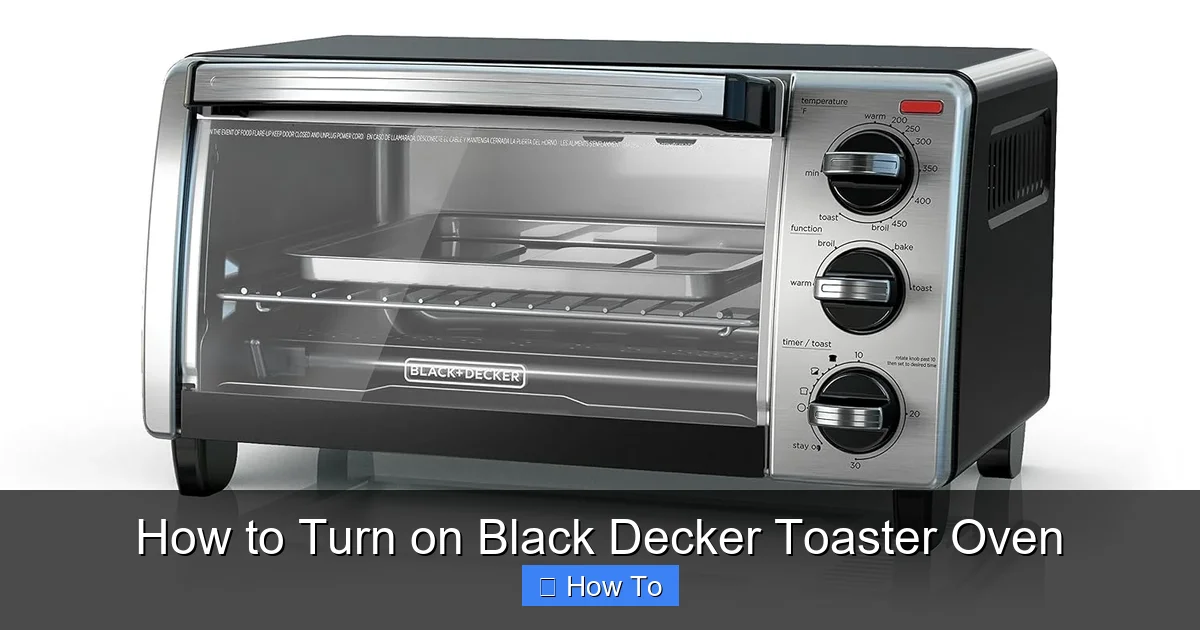
Visual guide about How to Turn on Black Decker Toaster Oven
Image source: images-na.ssl-images-amazon.com
Keep the Area Clear
Never leave your toaster oven unattended while in use. Keep flammable materials like towels or wooden utensils at least 3 feet away. The oven generates significant heat, so ensure the surrounding area is well-ventilated.
Use Proper Cookware
Stick to oven-safe dishes and trays recommended in the manual. Avoid using metal pans with non-stick coatings or plastic containers, as they can melt or release harmful chemicals.
Clean Regularly
Wipe down the interior and trays after each use to prevent buildup. For stubborn stains, use a baking soda paste or a [guide on cleaning Ninja toaster ovens](https://kitchenstitch.com/how-to-clean-a-ninja-toaster-oven/). Regular maintenance ensures optimal performance and longevity.
Advanced Tips for Efficient Use
Preheat for Better Results
For baking or crisping, preheating your toaster oven for 5–10 minutes can yield better outcomes. Set the temperature higher than usual during preheating and reduce it once the food is added.
Use the Convection Feature (If Available)
Some Black Decker models include a convection setting, which uses a fan to circulate heat evenly. This reduces cooking time by up to 25% and is ideal for baking or roasting.
Repurpose for Multiple Tasks
Your toaster oven isn’t just for reheating! Try using it to [air fry](https://kitchenstitch.com/how-to-air-fry-in-a-toaster-oven/) snacks, [broil](https://kitchenstitch.com/how-to-broil-in-toaster-oven/) meats, or even [bake cookies](https://kitchenstitch.com/how-to-bake-cookies-using-oven-toaster/). Check out our [tips for cooking zucchini](https://kitchenstitch.com/how-to-cook-zucchini-in-toaster-oven/) or [making pumpkin seeds](https://kitchenstitch.com/how-to-make-pumpkin-seeds-in-toaster-oven/) for inspiration.
Conclusion: Mastering Your Black Decker Toaster Oven
Turning on your Black Decker toaster oven is simple once you understand the basics. By following these steps, troubleshooting common issues, and prioritizing safety, you’ll enjoy efficient cooking in no time. Remember to clean regularly, read the manual for model-specific details, and experiment with new recipes. With practice, you’ll be a toaster oven pro in no time!
Frequently Asked Questions
How do I reset my Black Decker toaster oven if it won’t turn on?
If your oven doesn’t power on, unplug it for 30 seconds, then plug it back in. Press the “Start” button again and ensure the temperature dial is set correctly. For persistent issues, refer to the [troubleshooting guide for Black Decker toaster ovens](https://kitchenstitch.com/how-to-fix-black-and-decker-toaster-oven/).
Can I use my toaster oven without setting the timer?
Most models require a timer setting to function. If you forget, the oven may not heat or will shut off automatically. Always set the timer based on your recipe’s cooking time.
What should I do if my toaster oven overheats?
Turn it off immediately and let it cool. Check for obstructions in the ventilation areas and clean the interior. If overheating persists, consult a technician or the manual.
Can I cook frozen food directly in the oven?
Yes! Place frozen items on the rack or tray and adjust the temperature slightly higher (by 25°F–50°F) to account for the cold start. Use the timer to monitor cooking progress.
Is it safe to leave the oven on when not in use?
No. Always turn off the oven when not in use to avoid overheating or fire hazards. Many models auto-shut off after a set time, but it’s best to manually switch it off once done.
How can I improve my oven’s heating efficiency?
Clean the interior and heating elements regularly, avoid overcrowding, and use the convection feature if available. Proper rack placement and rotating food halfway through cooking also help.
=== END OF ARTICLE ===