How to Operate a Toaster Oven
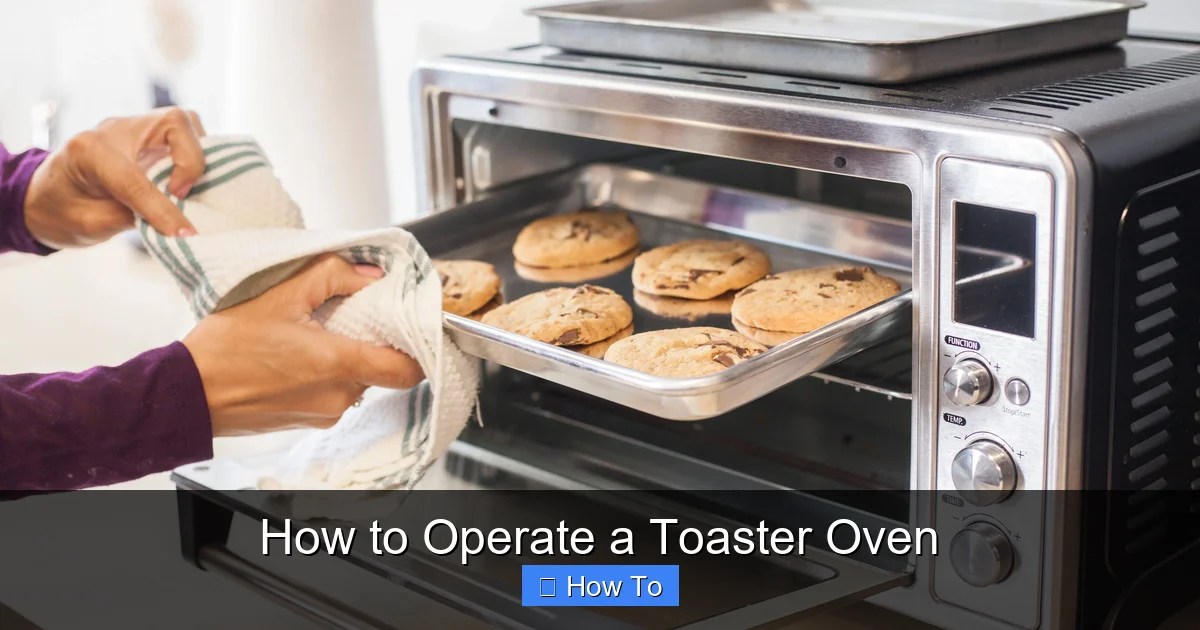
Operating a toaster oven is simple once you understand the basic controls, safety precautions, and cooking modes. This guide walks you through each step, from setting the temperature to cleaning, so you can enjoy perfectly toasted bread, baked goods, and more with confidence.
Imagine you have a small oven that can toast, bake, and even air fry. It sounds like a dream, right? But many people never learn how to operate a toaster oven properly, so they end up with uneven results or burnt food. This guide will walk you through every step, from the first plug to the last crumb, so you can use your toaster oven with confidence.
In the following pages you will find simple explanations, practical examples, and handy tips that make cooking in a toaster oven a breeze. Whether you are a beginner or just need a refresher, you will discover how to get the best out of your appliance.
You will learn how to set the temperature, choose the right mode, and even use special functions like air fry. By the end, you will feel comfortable turning the dial and creating meals that taste great.
Key Takeaways
- Know the controls: Learn how to set temperature, timer, and mode.
- Preheat properly: Allow the oven to reach the desired temperature before cooking.
- Choose the right rack: Position the rack for even heat distribution.
- Select the correct mode: Use toast, bake, broil, or air fry as needed.
- Use a timer: Avoid overcooking by setting a timer and checking food.
- Clean after each use: Remove crumbs and wipe surfaces to keep the oven working well.
📑 Table of Contents
Getting Started with Your Toaster Oven
Unpacking and Placement
Before you turn the dial, make sure the oven is on a flat, stable surface. Leave a few inches of space around it for air flow. This prevents overheating and keeps the kitchen safe. A sturdy countertop or a dedicated shelf works well.
If you have just taken the oven out of the box, remove all protective film and packaging. Check that the crumb tray is in place and the racks are properly positioned. These small steps help the oven run efficiently from day one.
Safety First
Always plug the oven into a grounded outlet. Do not touch the heating elements when the oven is hot. Keep children and pets away while it is in use. Never cover the vent openings, as they release steam and heat.
It is also wise to have a fire extinguisher nearby, especially if you are new to cooking with a toaster oven. Following these safety tips will protect both you and your kitchen.
Before you begin, read the user manual that came with your toaster oven. It contains model‑specific instructions and safety warnings that can help you avoid common mistakes.
Mastering the Controls
Temperature Dial
Most toaster ovens have a temperature range from 150°F to 450°F. Turn the knob until the desired number appears. For toast, set around 350°F; for baking, 375°F works well. If you are broiling, you may need to go up to 425°F.
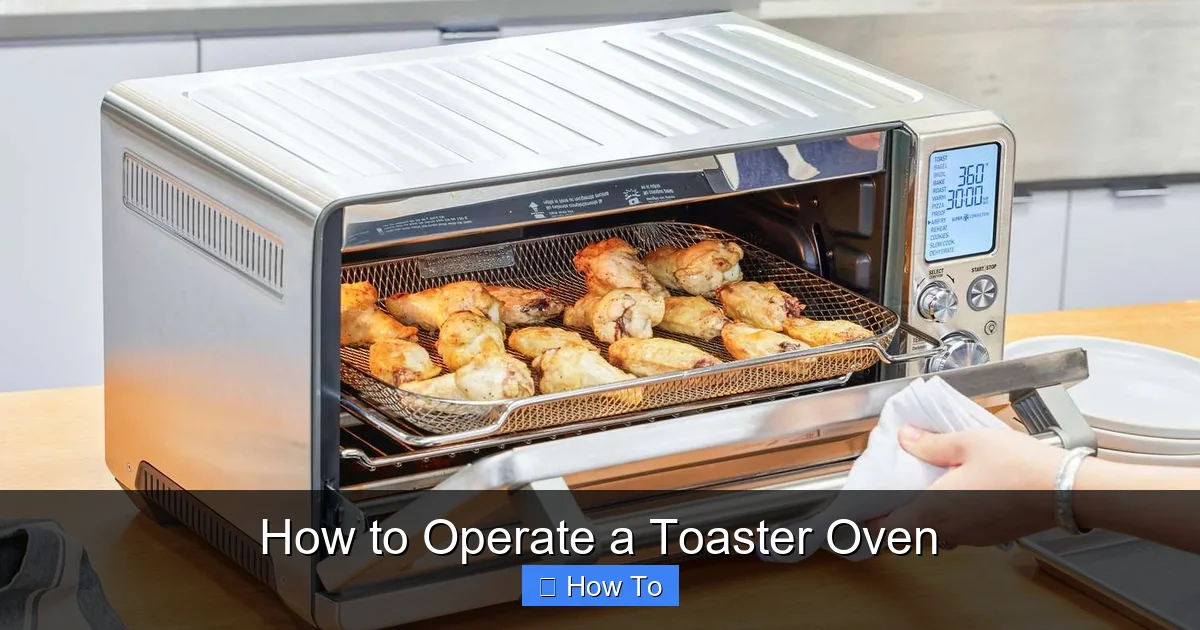
Visual guide about How to Operate a Toaster Oven
Image source: howdykitchen.com
Some models have a digital display that shows the exact temperature. If you are unsure, use an oven thermometer to verify the heat. This ensures your food cooks at the right temperature every time.
Timer and Mode
The timer counts down from 30 minutes or more. Choose a mode like toast, bake, broil, or air fry. Each mode adjusts the heat pattern automatically. For example, toast mode uses both top and bottom elements, while bake mode focuses on the bottom.
Remember to press the start button after selecting your settings. The oven will begin heating immediately. If you need to stop cooking early, press the cancel or stop button.
Many toaster ovens include a keep‑warm setting that maintains a low temperature after cooking. This is useful when you need to hold food for a few minutes before serving.
Additional Features
Some models also have a delay‑start option, allowing you to set a later time for the oven to begin. This can be handy for preparing breakfast the night before.
Other ovens may include a convection fan that can be turned on or off. When activated, the fan circulates hot air for more even cooking.
Toasting, Baking, and Broiling
Perfect Toast
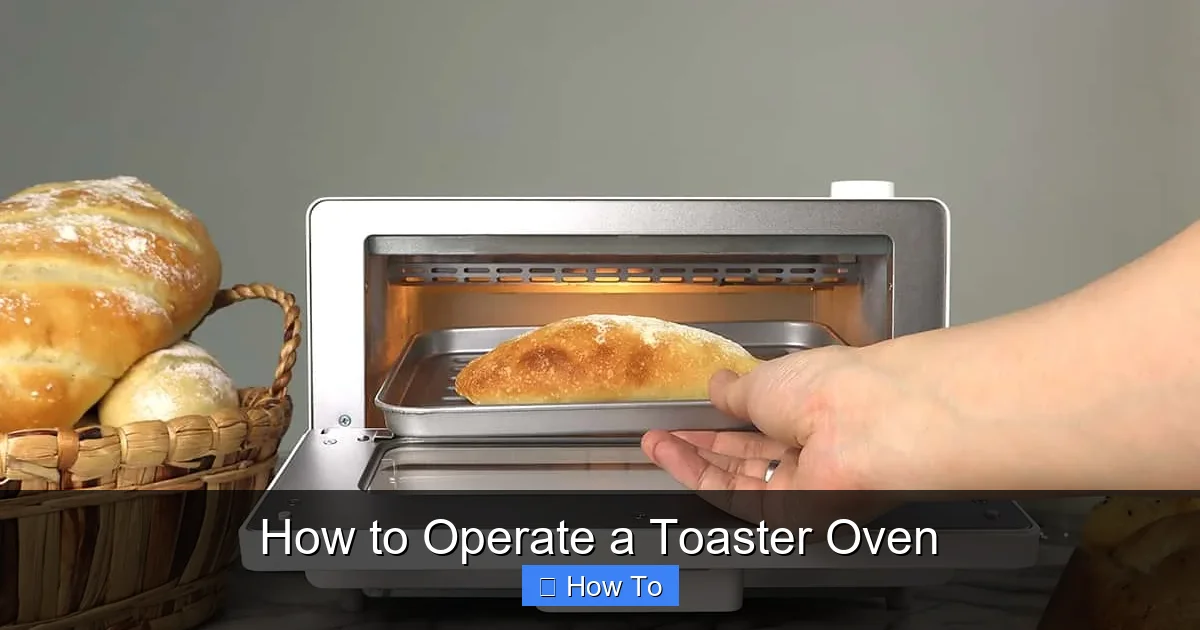
Place bread on the rack, close the door, and set the toast mode. For golden brown, use the darkness control or set the timer to 3 minutes. Check often to avoid burning. Thick slices may need an extra minute.
Visual guide about How to Operate a Toaster Oven
Image source: seriouseats.com
You can also toast bagels by selecting the bagel setting, which reduces the top heat. This prevents the cut side from burning while the inside becomes soft.
Baking Basics
Use a small baking dish and place it on the middle rack. Preheat the oven for 5 minutes, then slide the dish in. Bake cookies for 8‑10 minutes, or a small cake for 20‑25 minutes. For even browning, rotate the dish halfway through.
When baking multiple items, leave space between them so hot air can circulate. This helps each piece cook evenly and prevents soggy bottoms.
Set a kitchen timer to remind yourself when the food is ready. This prevents overcooking and frees you up to prepare other dishes.
Broiling Tips
Broil uses high heat from the top element. Keep the door slightly ajar to prevent burning. Flip meat halfway through for even cooking. Thin cuts may only need 2‑3 minutes per side.
For vegetables, toss them with oil and spread them on a sheet. Broil for 3‑4 minutes, then stir and broil again until caramelized. This adds a delicious flavor to simple sides.
If you are wondering what foods work best, check out our list of what to put in a toaster oven.
Using Accessories and Special Modes
Air Fry Mode
If your toaster oven has an air fry function, you can make crispy fries without oil. Simply place the food in the basket, set the mode, and shake the basket halfway through. This ensures even crispiness.
For more details on air frying, see our guide on how to air fry in a toaster oven.
Convection Setting
The convection fan circulates hot air, making it ideal for roasting vegetables or cooking multiple items at once. Use it when you need faster, more even results. For example, convection can reduce cooking time by about 15 percent.
When using convection, you may need to lower the temperature by 25°F compared to a conventional oven. This prevents over‑browning on the outside while the inside cooks through.
If you use the air fry basket, clean it after each use with warm water and a soft brush. This prevents buildup of oil and crumbs that can affect performance.
Other Accessories
Many toaster ovens come with a baking pan, a crumb tray, and sometimes a rotisserie spit. The rotisserie can be used to cook small chickens or kebabs, providing juicy, evenly cooked meat.
Always use oven mitts when handling hot accessories. This protects your hands and keeps the kitchen safe.
Cleaning and Longevity
Daily Cleaning
After each use, let the oven cool, then wipe the interior with a damp cloth. Remove crumbs from the crumb tray to prevent smoke. A quick wipe after each meal keeps the oven looking new.
For sticky spills, apply a small amount of dish soap to a sponge and gently scrub. Rinse with a clean cloth and dry before closing the door.
Deep Clean
Once a month, remove the racks and soak them in warm, soapy water. For stubborn stains, use a paste of baking soda and water. Rinse and dry thoroughly before re‑assembling.
For a step‑by‑step cleaning routine, check out how to clean a toaster oven.
Maintenance Tips
Inspect the heating elements for any signs of wear or damage. If you notice cracks or exposed wires, stop using the oven and contact the manufacturer. Regular maintenance extends the life of your appliance.
Store the oven in a dry place when not in use for long periods. This prevents rust and keeps the exterior looking good.
Over time, the crumb tray or racks may wear out. Check the manufacturer’s website for replacement parts and order them as needed to keep your oven functioning well.
Troubleshooting and Tips
Common Issues
If the oven does not heat, verify that it is plugged in and the timer is set. A tripped circuit breaker can also cause a loss of power. Reset the breaker and try again.
When the oven overheats, it may shut off automatically. Allow it to cool for 15 minutes before attempting to use it again. This protects the internal components.
Pro Tips
- Use a thermometer to verify the internal temperature.
- Rotate the rack halfway through cooking for even browning.
- Always preheat for the best texture.
- Do not open the door too often, as it releases heat and can extend cooking time.
- Clean the crumb tray regularly to avoid smoke and odors.
If the oven continues to malfunction after trying basic troubleshooting, contact the manufacturer or a qualified technician. Attempting to repair it yourself may void the warranty.
Conclusion
With these steps, you can operate a toaster oven like a pro. Remember to start with safety, master the controls, and keep the oven clean. Soon you will be creating delicious meals with ease.
Experiment with different modes and recipes to discover new flavors. The versatility of a toaster oven means you can toast, bake, broil, and air fry all in one compact appliance. Enjoy your cooking adventures!
Frequently Asked Questions
How do I preheat a toaster oven?
Turn the temperature dial to the desired setting and wait for the oven to reach that heat. Most ovens signal when they are ready, or you can use an oven thermometer to check.
What temperature should I use for toast?
Set the oven to around 350°F. Use the toast mode and adjust the darkness control to achieve your preferred shade.
Can I bake cookies in a toaster oven?
Yes, place the cookie dough on a small baking sheet, preheat the oven to 375°F, and bake for 8‑10 minutes until golden.
How do I clean the crumb tray?
Remove the tray, shake out crumbs, and wash it with warm, soapy water. Dry it completely before putting it back.
Is it safe to use metal utensils?
Metal utensils can scratch the non‑stick coating. Use silicone or wooden tools instead to protect the surface.
What should I do if the oven won’t turn on?
Check that the oven is plugged in and the circuit breaker has not tripped. If the problem persists, contact the manufacturer.