How to Turn Off Cuisinart Airfryer Toaster Oven
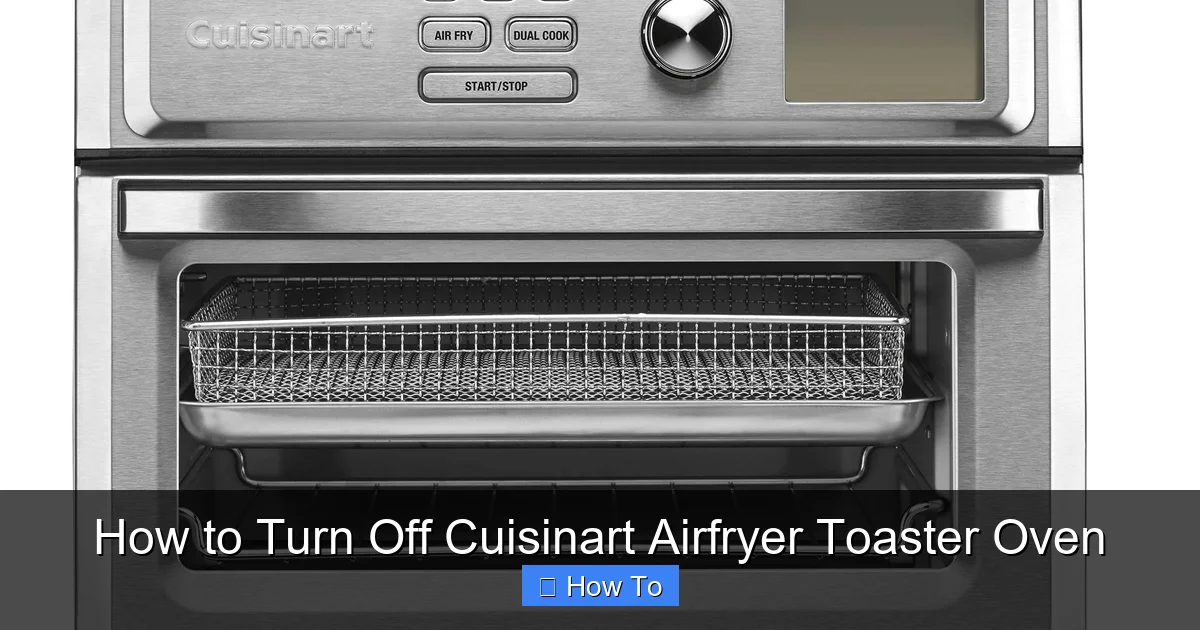
Turning off your Cuisinart Airfryer Toaster Oven is simple once you know the right steps. This guide walks you through using the touch screen, physical buttons, and safety checks to power down the unit safely. Follow these easy instructions to ensure a smooth shutdown and avoid any lingering heat.
Welcome! If you own a Cuisinart Airfryer Toaster Oven, you probably love the convenience of baking, roasting, and air‑frying all in one compact appliance. Yet, even the best kitchen gadgets need a proper shutdown to stay safe and ready for the next cooking session. Knowing How to Turn Off Cuisinart Airfryer Toaster Oven correctly can protect you from accidental burns, preserve the unit’s lifespan, and keep your kitchen tidy.
Many users jump straight to pulling the plug, but that can leave residual heat or cause the internal clock to reset. In this article, we’ll walk you through the safest ways to power down the unit, troubleshoot common issues, and even link to related guides that expand on similar appliances. Whether you’re a new owner or just need a refresher, you’ll find step‑by‑step instructions that are easy to follow and perfect for everyday use.
Key Takeaways
- Point 1: Locate the Power button – it’s usually on the front or top panel for quick access.
- Point 2: Use the touchscreen “Off” option to gracefully shut down all functions.
- Point 3: Press and hold the physical Power button for 3 seconds if the screen is frozen.
- Point 4: Verify the unit is fully powered off by checking the indicator lights.
- Point 5: Perform a safety check – open the door and let residual heat dissipate.
- Point 6: For troubleshooting, refer to similar models like the Ninja Toaster Oven (How To Turn Off Ninja Toaster Oven) for extra tips.
- Point 7: Keep your clock settings handy; you can also adjust them after shutdown using the Cuisinart Clock guide (How To Change Clock On Cuisinart Toaster Oven).
📑 Table of Contents
Understanding Your Cuisinart Airfryer Toaster Oven Controls
Before you learn How to Turn Off Cuisinart Airfryer Toaster Oven, it helps to know what buttons and displays you’re working with. Most models feature a large touch screen that shows cooking time, temperature, and mode. At the same time, there’s often a physical Power button on the front or top edge. Some units also include a “Start/Stop” button for immediate control.
Touch Screen vs. Physical Buttons
The touch screen is intuitive, but if it freezes you’ll need the physical Power button. The Power button is usually marked with a circle‑arrow icon. Press it once to send the unit into standby, or hold it for three seconds to force a shutdown. This dual‑control design means you can still turn off the appliance even when the screen isn’t responding.
For those who prefer a more tactile approach, the physical button is also used for quick power toggles. It’s a good idea to become familiar with both methods. In many cases, the touchscreen “Off” option is the cleanest way to shut down, while the Power button is a reliable fallback.
Step‑by‑Step Guide to Turning Off the Unit
Using the Touchscreen Controls
1. **Open the main menu** by tapping the screen anywhere except a button.
2. **Select “Settings”** – it usually appears as a gear icon.
3. **Choose “Power”** or “Turn Off.”
4. **Confirm** by tapping “Yes” or “Off.” The screen will go dark, and the indicator lights will dim or turn off.
After completing these steps, you can also unplug the unit for an extra safety measure. This method is ideal when you want a clean shutdown without disturbing the appliance’s internal clock. For more details on managing the clock, see the Cuisinart Clock guide (How To Change Clock On Cuisinart Toaster Oven).

Visual guide about How to Turn Off Cuisinart Airfryer Toaster Oven
Image source: assets.surlatable.com
Using the Physical Buttons
1. **Locate the Power button** on the front panel – it’s often near the display.
2. **Press and release** the button once. The touchscreen will show “Powering Off…” for a second.
3. **Wait** until all lights go out. If the button has an LED, it should turn off.
If the screen is frozen, press and hold the Power button for about three seconds. The unit should power down immediately. This method is handy when the touchscreen isn’t responding, ensuring you can still complete the process without waiting.
What to Do After Turning Off (Safety Checks)
Turning off the Cuisinart Airfryer Toaster Oven is only half the job. A quick safety check protects you and the appliance.
Visual guide about How to Turn Off Cuisinart Airfryer Toaster Oven
Image source: static-data2.manualslib.com
Check the Door and Interior
Open the door fully and glance inside. Make sure no food debris is stuck to the walls, which could cause odors later. If you notice any residue, a quick wipe with a damp cloth will keep the interior clean.
Allow Residual Heat to Dissipate
Even after the power is off, the heating element may still be warm for a few minutes. Let it cool for at least 5‑10 minutes before cleaning or moving the appliance. This simple step prevents accidental burns.
Verify Power Status
Look at the indicator lights on the front. They should all be off. If any light remains illuminated, the unit may not have fully powered down. In that case, try unplugging it for 30 seconds and plugging it back in.
Common Issues and How to Resolve Them
The Screen Won’t Respond
If the touchscreen is frozen, first try pressing the physical Power button as described above. If that fails, unplug the unit, wait 60 seconds, then plug it back in. This often resets the system. For more troubleshooting ideas, you can also reference similar models like the Ninja Toaster Oven (How To Turn Off Ninja Toaster Oven) for extra tips.
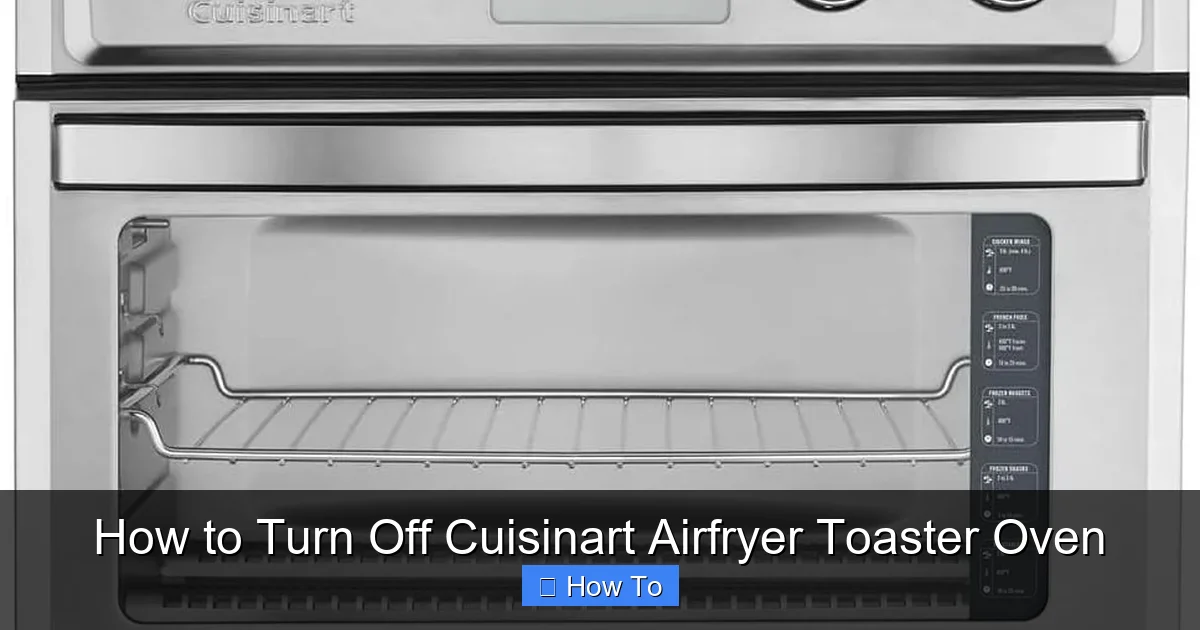
Visual guide about How to Turn Off Cuisinart Airfryer Toaster Oven
Image source: m.media-amazon.com
The Power Button Doesn’t Work
Check that the unit is properly plugged into a functioning outlet. Try a different wall socket to rule out an electrical issue. If the button still feels stuck, gently clean around it with a dry cloth to remove any debris.
Indicator Lights Stay On
When the lights remain on after pressing the Power button, the unit may be in a “standby” mode. Look for a hidden power‑save setting in the menu. If you can’t find it, consult the user manual or contact Cuisinart support.
Conclusion
Knowing How to Turn Off Cuisinart Airfryer Toaster Oven is a small but vital skill for any home cook. By using the touchscreen “Off” option or the physical Power button, you ensure a clean shutdown, preserve the internal clock, and keep your kitchen safe. Remember to perform a quick safety check after powering down, letting residual heat cool and confirming all lights are off.
With these simple steps, you’ll keep your appliance in top shape and avoid common pitfalls like frozen screens or lingering odors. For those times when you need extra guidance, refer to related guides such as the Ninja Toaster Oven shutdown process, the Cuisinart Clock adjustments, and the Cuisinart Preheat instructions. Each resource expands your knowledge and helps you get the most out of your kitchen technology.
Now you’re ready to power down with confidence, clean up safely, and start your next cooking adventure. Enjoy the convenience of your Cuisinart Airfryer Toaster Oven, and remember: a proper shutdown is the first step to a perfectly cooked meal every time.
Frequently Asked Questions
How do I turn off my Cuisinart Airfryer Toaster Oven using the touchscreen?
Open the main menu, select “Settings,” then choose “Power” or “Turn Off,” and confirm with “Yes.” This gracefully powers down the unit while preserving the clock settings.
What should I do if the screen is frozen and I can’t access the menu?
Press and hold the physical Power button for about three seconds. If that doesn’t work, unplug the appliance for 60 seconds, then plug it back in to reset the system.
How can I verify that the oven is completely powered off?
Check that all indicator lights are off and that the touchscreen is dark. You can also try unplugging it for a few seconds and plugging it back in to ensure a full shutdown.
Why might the power button not respond?
Make sure the unit is plugged into a working outlet, try a different socket, and gently clean around the button to remove any debris that could be blocking it.
What safety steps should I follow after turning off the oven?
Open the door, let the heating element cool for 5‑10 minutes, wipe any interior residue, and confirm that all lights have turned off before cleaning or storing the appliance.
Can I find additional tips from similar appliances?
Yes! For extra troubleshooting ideas, you can refer to the Ninja Toaster Oven shutdown guide (How To Turn Off Ninja Toaster Oven) and the Cuisinart Preheat instructions (How To Preheat Cuisinart Air Fryer Toaster Oven) to broaden your knowledge of safe power‑down practices.