What Does Turbo Mean on Oster Toaster Oven
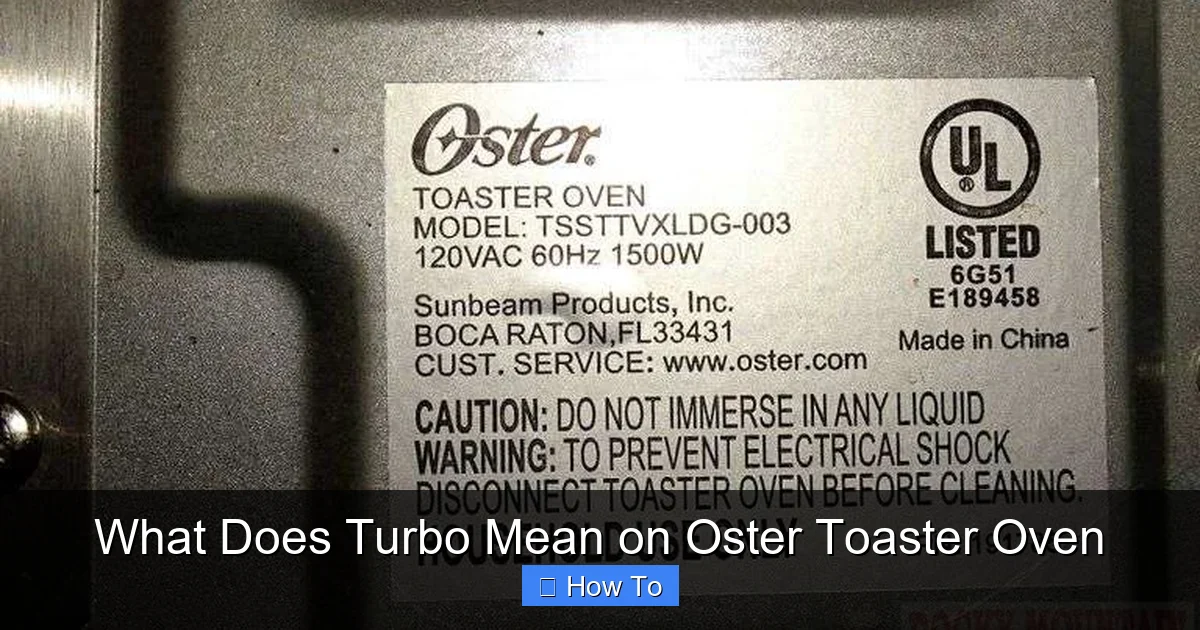
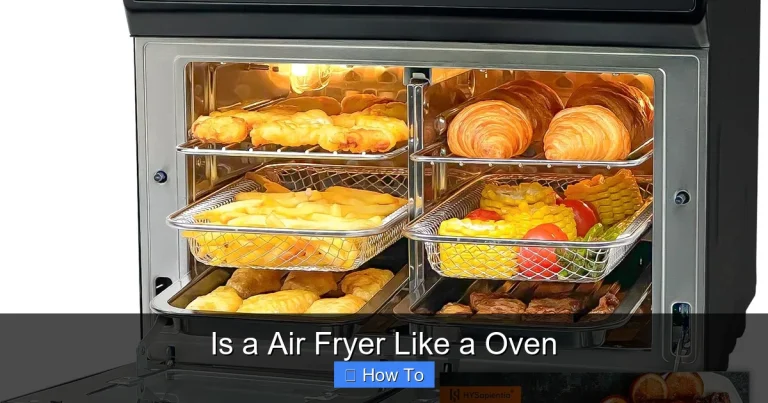
The Turbo setting on an Oster toaster oven gives you faster cooking by boosting heat distribution. It’s perfect for quick baking, reheating, or defrosting, letting you finish meals in less time while keeping even browning. Use it wisely to avoid overcooking and save energy.
Key Takeaways
- Turbo Boosts Speed: Turbo mode rapidly increases heat, cutting cooking time by 20‑30% compared to normal settings.
- Even Cooking: The fan circulates hot air, delivering uniform browning and crispness across all surfaces.
- Energy Efficient: Turbo uses the same power as regular settings but finishes faster, often saving electricity.
- Best for Quick Tasks: Ideal for reheating leftovers, defrosting frozen foods, and rapid baking.
- Control Matters: Adjust time and temperature carefully; over‑use can burn food.
- Compatible with Other Functions: Turbo can be combined with Bake, Broil, or Convection for custom results.
- Maintenance Tip: Clean the fan regularly to keep Turbo performance at its peak.
📑 Table of Contents
Introduction
Imagine pulling a cold slice of pizza out of the freezer and having it hot, bubbly, and golden in just a few minutes. That’s the magic of the Turbo setting on an Oster toaster oven. But what does Turbo actually mean on Oster toaster ovens? In short, Turbo is a high‑power mode that ramps up heating elements and fan speed to cook food faster while maintaining even heat distribution. It’s like giving your oven a temporary adrenaline shot, perfect for those moments when you need a quick meal without sacrificing quality.
Many home cooks have asked the same question: “What does Turbo mean on Oster toaster oven?” The answer goes beyond just “fast cooking.” Understanding Turbo helps you use it safely, avoid common mistakes, and get the best results every time. In this guide, we’ll break down the science behind Turbo, compare it to other settings, and give you practical tips for everyday cooking. Whether you’re reheating leftovers, defrosting a steak, or baking a batch of cookies, mastering Turbo can become your secret weapon in the kitchen.
Understanding Turbo Mode
What Turbo Does Inside the Oven
When you select Turbo on an Oster toaster oven, the control board signals the heating elements to reach their maximum power almost instantly. The convection fan spins faster than in normal modes, pushing hot air throughout the cavity. This combination creates a rapid rise in temperature that can be up to 50°F (28°C) higher than the selected setting. The result? Food cooks in a fraction of the usual time while the fan’s airflow prevents hot spots.
The internal components work together in a synchronized dance. The oven’s sensor detects temperature changes, and the microprocessor adjusts the elements to maintain a steady, high heat. Because the fan is already moving at a higher RPM, the heat spreads evenly, reducing the need for frequent turning or rotating of your food. This is why many users notice a golden, evenly browned exterior without drying out the interior.
How Turbo Differs from Convection and Regular Bake
While Turbo, Convection, and Bake all use a fan, they serve different purposes. Convection mode runs the fan at a moderate speed and typically uses lower element power, making it ideal for steady, gentle cooking over longer periods. Bake mode may or may not include a fan, depending on the model, and is set for traditional oven baking at moderate temperatures. Turbo, on the other hand, is a short‑burst, high‑intensity mode designed for speed. It’s not meant for slow, delicate baking; instead, it excels at tasks that benefit from rapid heating.
Think of it like this: If you’re planning a three‑hour roast, you’d stick with regular Bake. If you want to finish a quick chicken breast in 10 minutes, Turbo is your go‑to. The key difference lies in the balance between heat intensity and cooking duration. Turbo leans heavily toward intensity, while Convection leans toward consistency over time.
When to Use Turbo
Quick Reheating
One of the most common uses for Turbo is reheating leftovers. Whether it’s a slice of pizza, a bowl of chili, or a piece of toast, Turbo can bring food back to temperature in half the usual time. The high fan speed ensures that the outer edges get crisp while the interior stays warm. For best results, place food on a microwave‑safe plate, cover loosely with foil, and set the oven to the Turbo setting for 2‑5 minutes, checking halfway.
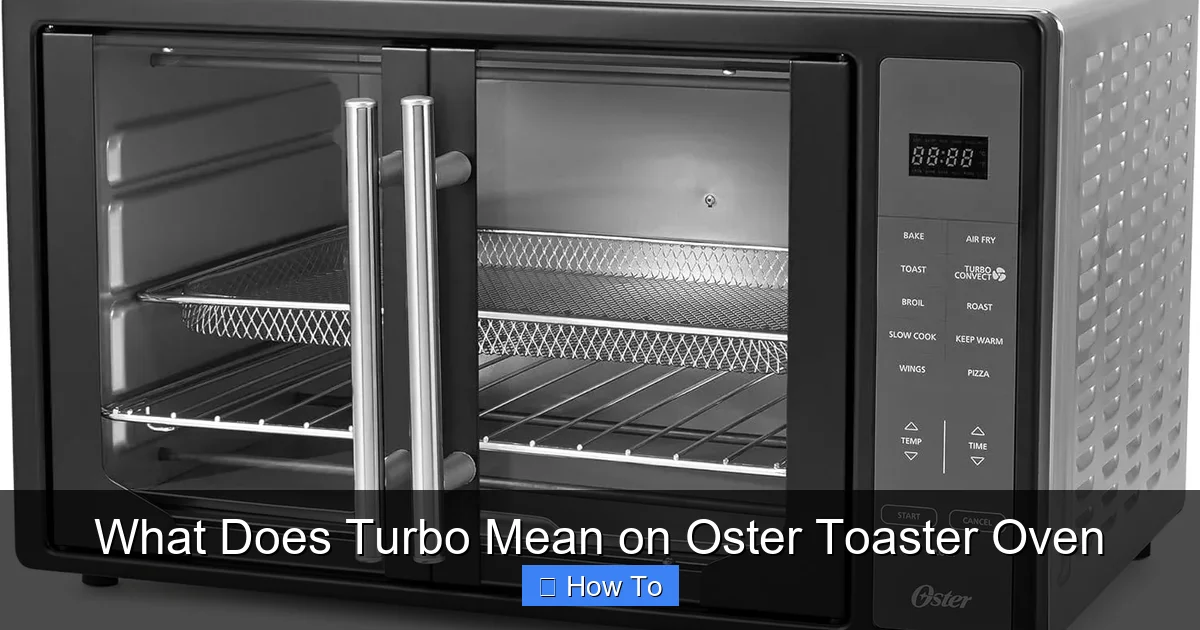
Visual guide about What Does Turbo Mean on Oster Toaster Oven
Image source: cookingapplianceworld.com
Rapid Defrosting
Defrosting frozen foods can take hours in a conventional oven. Turbo dramatically cuts that time. By raising the temperature and increasing airflow, Turbo thaws food more uniformly, reducing the risk of partially cooked spots that can harbor bacteria. A typical defrost cycle in Turbo lasts 5‑10 minutes for most items. For a deeper dive on defrosting techniques, check out What Does Defrost Setting On Toaster Do.
Fast Baking and Roasting
When you need a batch of cookies or a small roast ready in a hurry, Turbo is a lifesaver. It can shave off 15‑30 minutes off the normal bake time, making it perfect for weeknight dinners. However, you must adjust the temperature downward a bit—usually 25°F less than the recipe calls for—to prevent burning. The fan’s speed compensates for the lower temperature, ensuring proper doneness.
Turbo Settings and Time Adjustments
Reading the Controls
Most Oster toaster ovens feature a dedicated Turbo button or a combination of “Turbo” and a number. Some models require you to press “Turbo” then select a temperature (like 350°F). Others have a separate “Turbo” dial that you set alongside the temperature. Understanding your specific model’s layout is essential. Refer to the user manual for exact instructions, but generally, Turbo is indicated by a lightning bolt icon on the display.
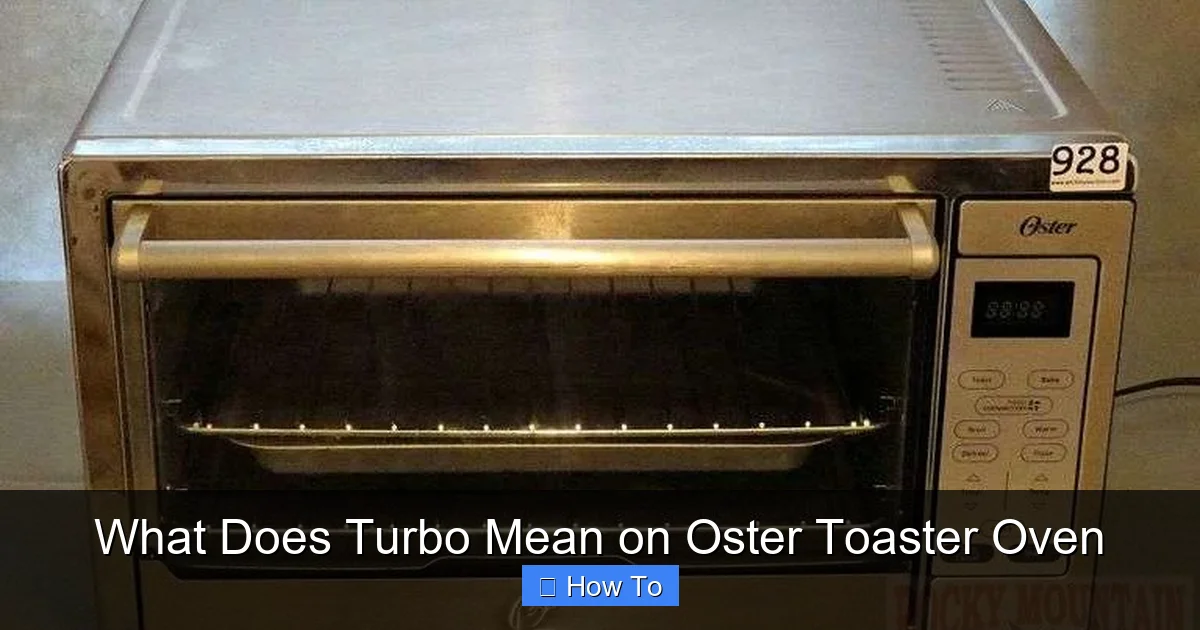
Visual guide about What Does Turbo Mean on Oster Toaster Oven
Image source: auctioneersoftware.s3.amazonaws.com
Estimating Cooking Times
Because Turbo is a high‑heat, fast‑cook mode, you’ll need to adjust cooking times significantly. A good rule of thumb is to reduce the original recipe time by 25‑30%. For example, if a recipe calls for 20 minutes of baking, start with about 14‑15 minutes in Turbo. Always check for doneness early, as ovens can vary. Use a food thermometer for meats to ensure they reach the safe internal temperature.
Combining Turbo with Other Functions
Some Oster models let you combine Turbo with Bake, Broil, or Convection. This hybrid approach can give you the best of both worlds. For instance, you might start a roast in Turbo for a quick sear, then switch to Convection for a gentle finish. You can also pair Turbo with Bake for a faster bake that still maintains a conventional baking environment. Experiment with these combinations to discover what works for your favorite dishes.
Tips for Best Turbo Performance
Preparation Matters
Before hitting Turbo, ensure your food is at room temperature. Cold ingredients can cause temperature fluctuations, making it harder for the oven to maintain a steady heat. Also, position food in the center rack and leave some space around it for optimal airflow. If you’re cooking multiple items, use the middle rack and avoid overcrowding, which can block the fan’s circulation.
Monitoring is Key
Even with a fast mode, you shouldn’t walk away while Turbo is running. Set a timer for the reduced cooking time, peek inside every few minutes, and watch for signs of burning or excessive smoke. If you notice the food browning too quickly, you can lower the temperature by a few degrees or rotate the item halfway through.
Cleaning for Consistent Performance
A clogged fan or grease buildup can reduce Turbo’s effectiveness. After each use, wipe down the interior with a damp cloth and remove any food debris from the fan vents. Quarterly, give the fan blades a gentle cleaning with a soft brush. Keeping the oven clean ensures the high‑speed fan spins freely, delivering that powerful burst of heat every time you need it.
Common Myths About Turbo
Turbo Burns Food More Easily
While it’s true that Turbo cooks faster, it doesn’t inherently burn food more than other modes if you adjust temperature and time correctly. The key is to lower the temperature slightly and monitor closely. With proper adjustments, Turbo can give you perfectly cooked meals without the risk of burning.
Turbo Uses More Electricity
Many users worry that Turbo consumes more power because it runs at higher element output. In reality, Turbo uses the same power rating as other modes, but because it finishes cooking sooner, you often save overall energy. The total kilowatt‑hours can be lower than a longer, conventional bake.
Turbo Works for Everything
Turbo is not a one‑size‑fits‑all solution. Delicate items like custards, soufflés, or thin pastries can easily overcook. For those recipes, stick with low‑heat, no‑fan settings. Turbo shines in tasks that benefit from rapid heat and airflow: reheating, defrosting, quick baking, and searing.
Conclusion
Understanding what Turbo means on Oster toaster ovens opens up a world of faster, more efficient cooking. By harnessing this high‑speed mode, you can shave minutes off prep time, keep meals evenly cooked, and even save a bit on energy bills. Remember, the secret lies in adjusting temperature and time, monitoring closely, and using Turbo in combination with other functions when appropriate. For those who want to dive deeper, check out What Is Turbo On A Oster Toaster Oven for an extensive look at the technology, and explore What Temperature Is Bake On A Toaster Oven to see how Turbo compares to classic Bake settings.
Now that you know the ins and outs of Turbo, you’re ready to tackle quick meals with confidence. Embrace the speed, respect the heat, and enjoy the convenience that Turbo brings to your kitchen. Happy cooking!
Frequently Asked Questions
What does the Turbo setting do on an Oster toaster oven?
The Turbo setting boosts the heating elements and fan speed to deliver rapid, even heat. It cuts cooking time by about 20‑30% compared to normal modes, making it perfect for reheating, defrosting, and quick baking.
Is Turbo the same as Convection or Bake?
No. Turbo is a high‑intensity, short‑duration mode. Convection and Bake use moderate fan speeds and lower element power, suited for longer, steady cooking. Turbo is best for speed, while Convection and Bake excel at consistency over time.
Can Turbo be used for defrosting frozen food?
Yes. Turbo’s fast heat and airflow thaw food quickly and more evenly than regular defrost. Use a low temperature (usually around 120°F) and run for 5‑10 minutes, checking for uniform softness.
How should I adjust temperature and time when using Turbo?
Lower the temperature by about 25°F from the recipe’s original call, and reduce cooking time by roughly 25‑30%. Always start checking early, as ovens vary and Turbo cooks quickly.
Does Turbo use more electricity than other modes?
Turbo draws the same power rating as other modes but finishes cooking sooner. This often results in lower overall energy consumption, especially for short‑duration tasks.
Are there any foods I should avoid using Turbo on?
Delicate items like custards, soufflés, thin pastries, and foods that require gentle heat should avoid Turbo. It’s best reserved for reheating, defrosting, quick baking, and searing tasks.